Chapter 2: Installation
2-5
Pin
Number
5
6
7
8
9
Function
VCC +5V
VCC +5V
Ground
Ground
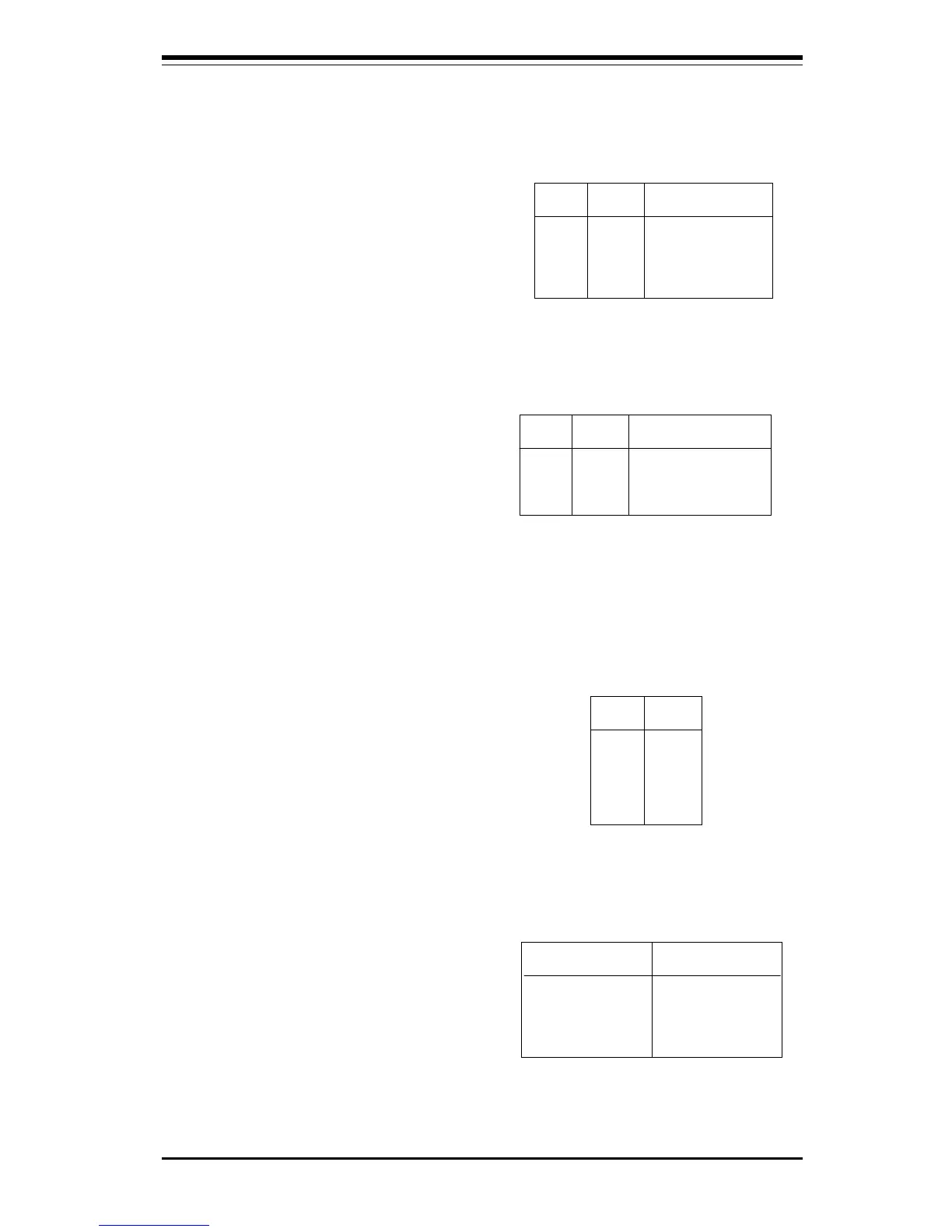
Table 2-7
Keylock/Power LED Pin Definition
for JF1
Definition
Red wire, LED power
Red wire, LED power
LED control
Keyboard inhibit
Black wire
Keylock/Power LED
Connector
The keylock/power LED connector
is located on pins 5 to 9 of JF1.
See Table 2-7 for pin definitions.
Pins 5 and 7 are for the power LED.
Pins 8 and 9 are for the keylock.
Table 2-8
Speaker Connector Pin Definitions for
JF1
Pin
Number
10
11
12
13
Function
+
Key
Definition
Red wire, Speaker data
No connection
Key
Speaker data
Speaker Connector
The speaker connector is located
on pins 10 to 13 of JF1. See Table
2-8 for pin definitions.
Table 2-9
ATX PS/2
Keyboard
and PS/2 Mouse
Ports
Pin Definitions
for J34
Pin
Number
1
2
3
4
5
6
Definition
Data
NC
Ground
VCC
Clock
NC
Universal Serial Bus
The two Universal Serial Bus con-
nectors are located on J17 and J18.
See Table 2-10 for pin definitions.
Table 2-10
Universal Serial Bus Pin Definitions
Pin
Number Definition
1 +5V
2 P0-
3 P0+
4 Ground
5 N/A
Pin
Number Definition
1 +5V
2 P0-
3 P0+
4 Ground
5 Key
J17
J18
ATX PS/2 Keyboard and
PS/2 Mouse Ports
The ATX PS/2 keyboard and the
PS/2 mouse are located on J34.
See Table 2-9 for pin definitions.



 To Next Page