11
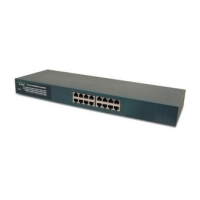
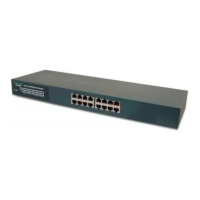
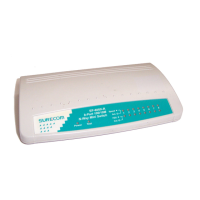
The LED indicators are all located on the front panel which include one Power per device, one
Link/Act., one FDX/Col, and one 100 indicator per port.
LED Color Status Description
Power Green On Lights to indicate the switch is power on.
Link/Act Green On Lights to indicate a functional network link through
the corresponding port with an attached device.
Flashing Blinks to indicate that the router is actively sending or
receiving data over that port.
FDX/COL Green On Lights to indicate that the connected port is under
Full-Duplex mode.
Off Off to indicate that the connected port is under
Half-Duplex mode.
Flashing Blinks to indicate that the connected port is under
collision status.
100 Green On Lights for any port to indicate that the port is
operating at 100 Mbps.
Off Off to indicate that the port is operating at 10 Mbps
while the network is still operating.
LED Indicators



 To Next Page
 Loading...