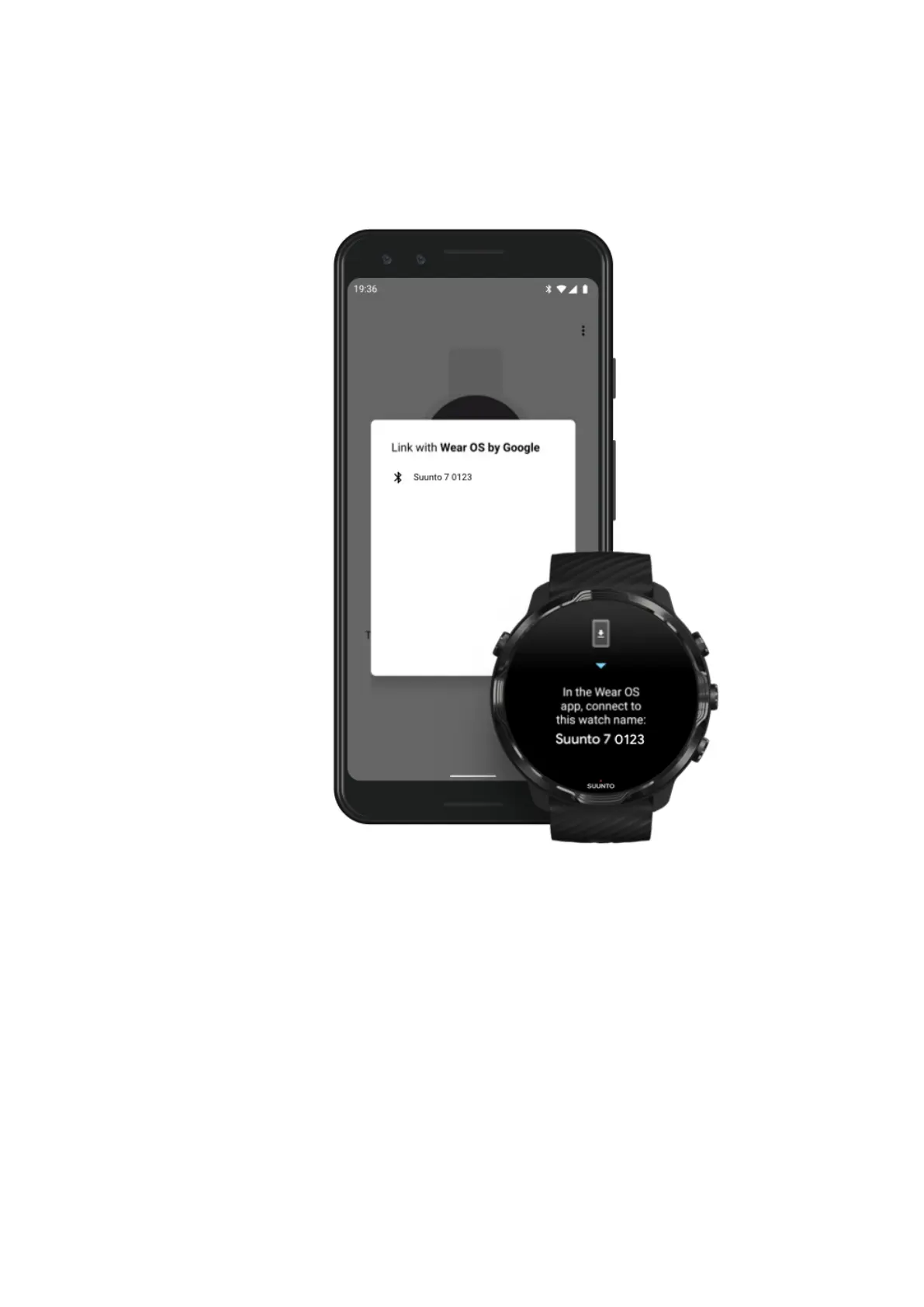
3. Open the Wear OS by Google app and tap Start setup.
4. On your phone, follow the on-screen instructions until you find your Suunto 7.
(You’ll see the name of your watch on your watch screen. If you don’t, swipe up.)
5. On your phone, tap when you see your watch.
6. A code will be shown on your phone and watch.
a. If the codes are the same: On your phone, tap Pair. This can take a few
minutes.
b. If the codes don’t match: Restart your watch and try again.
7. Follow the on-screen instructions to continue.
8. Copy (Connect) your Google account
You will be guided to copy your Google account to your watch. We recommend
copying your Google account, as it will enable you to use smart features like the
Google Assistant on your watch, and to access Google Play Store from your watch
Suunto 7
10



 To Next Page