2. GET STARTED
Your Suunto 7
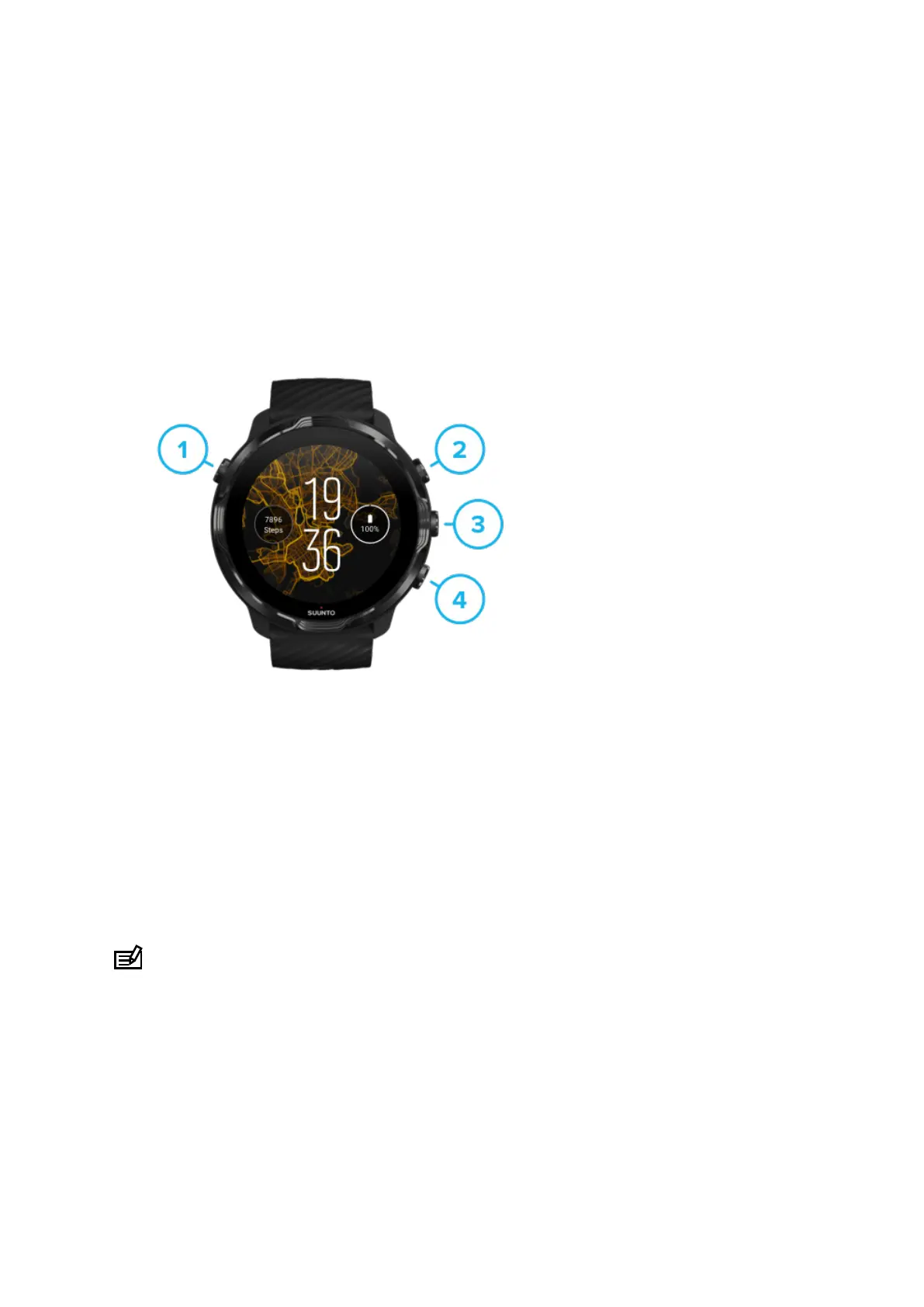
Suunto 7 has a touch screen and four hardware buttons designed to provide you a
great sport experience – even when you're wearing gloves or underwater.
1. Power button
2. Suunto Wear app / Navigate Suunto Wear app and control your exercise
3. Navigate Suunto Wear app and control your exercise
4. Navigate Suunto Wear app and control your exercise
While on the watch face, you can also use the buttons (3–4) on the right as shortcuts
to open apps.
NOTE: Some other apps may also support actions with hardware buttons.
Suunto 7
6



 To Next Page