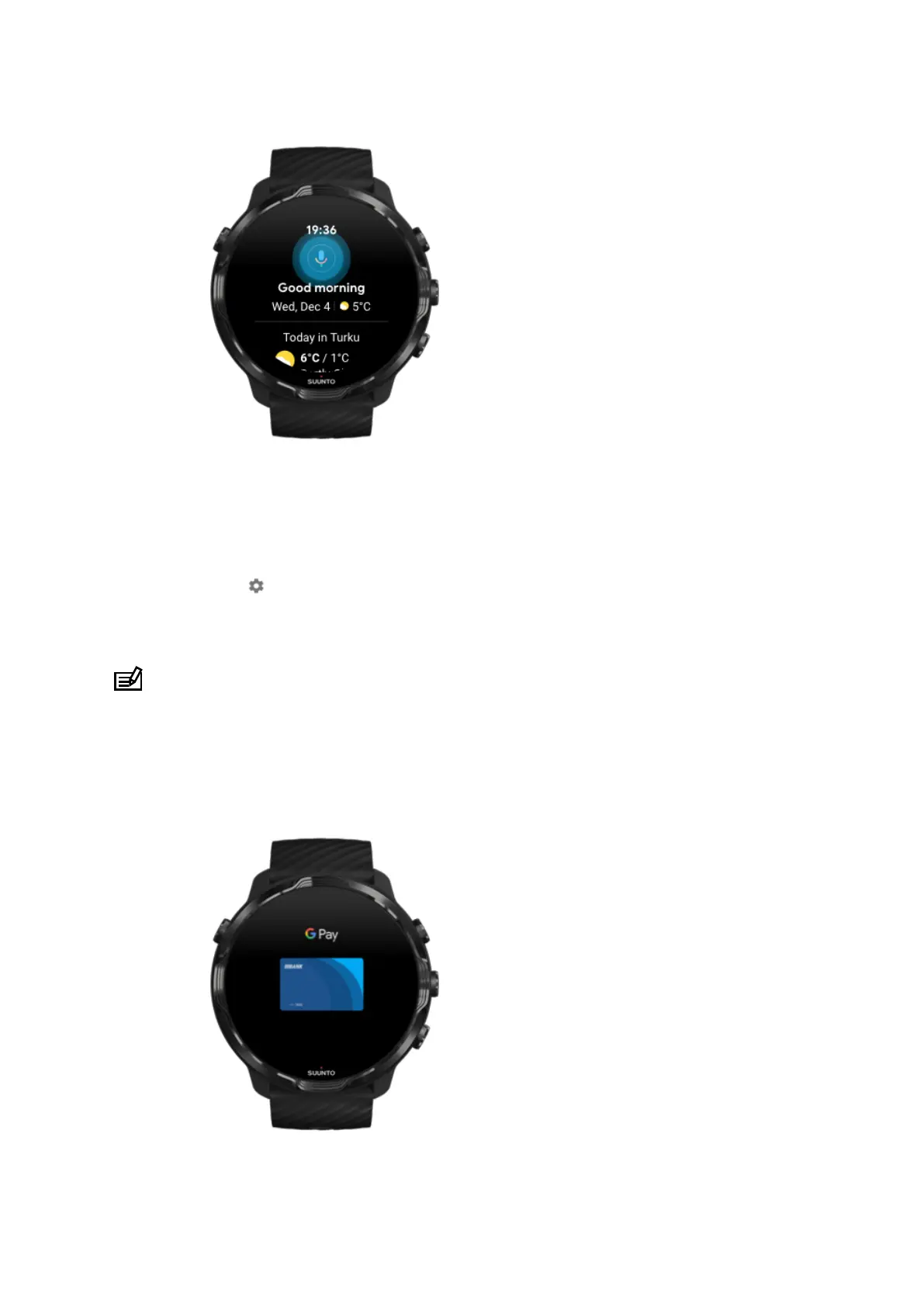
Enable "Ok Google" detection
•
While on the watch face, swipe down from the top of the screen.
•
Tap Settings » Personalization.
•
Turn on "Ok Google" detection.
NOTE: The "Ok Google" detection uses a small amount of battery power. To save
a little more battery, turn this feature
o.
Google Pay
Suunto 7
38



 To Next Page