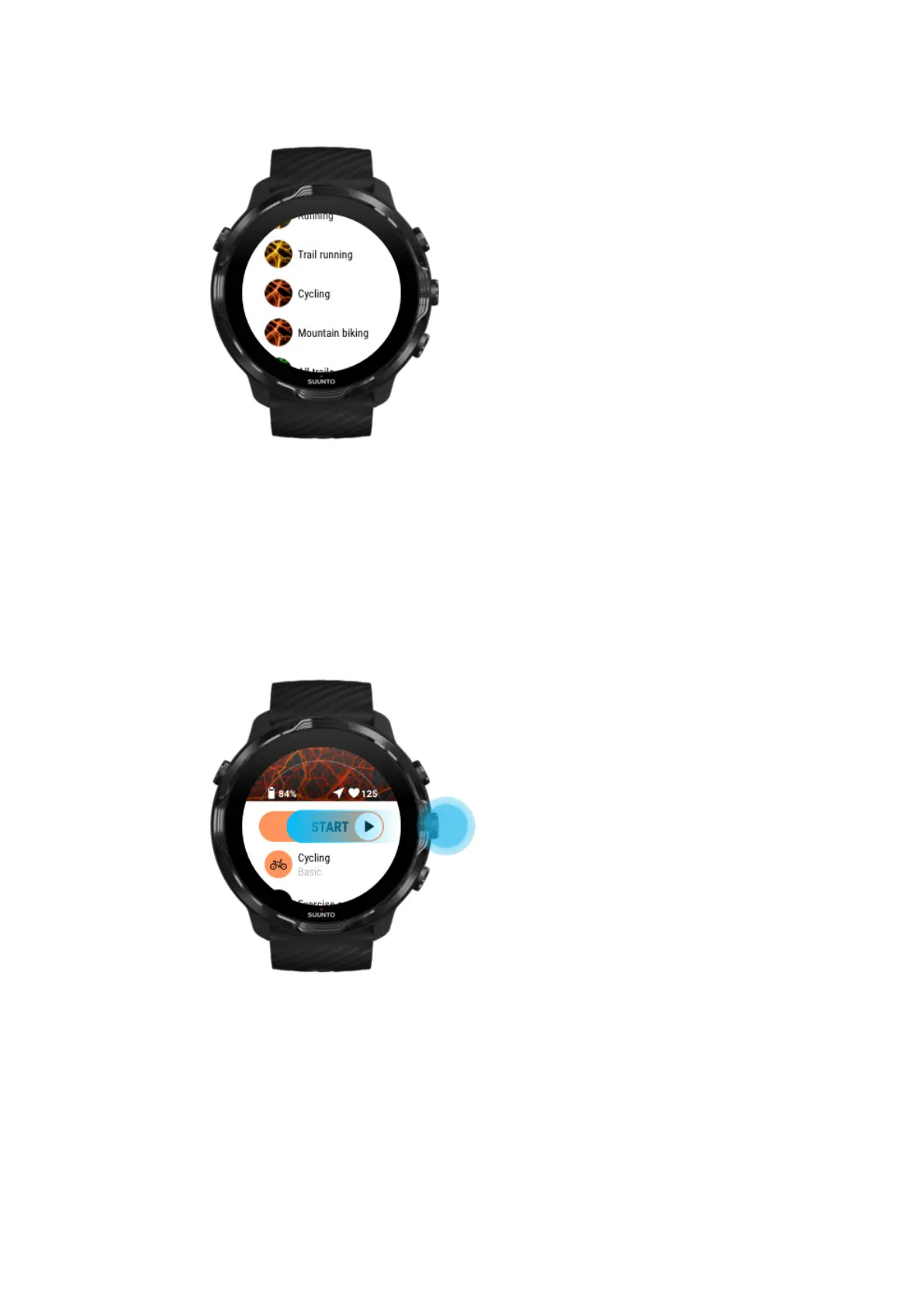
4. Browse the list to find a map style or a heatmap you would like to use.
You can scroll with buttons or touch.
5. Press the middle button or tap to select a new mapstyle.
6. Swipe right to exit the menu and scroll up back to the start.
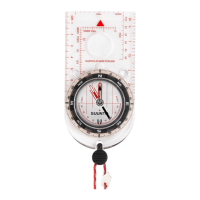
7. Press the middle button or swipe left on the start button to start your exercise.
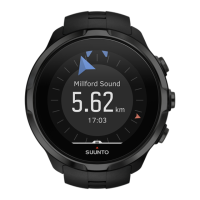
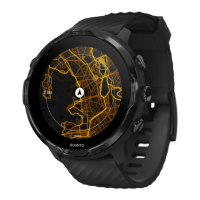
8. To follow your progress on the map, press the middle button or swipe left or right
until you see the map view.
Suunto 7
116


 To Next Page