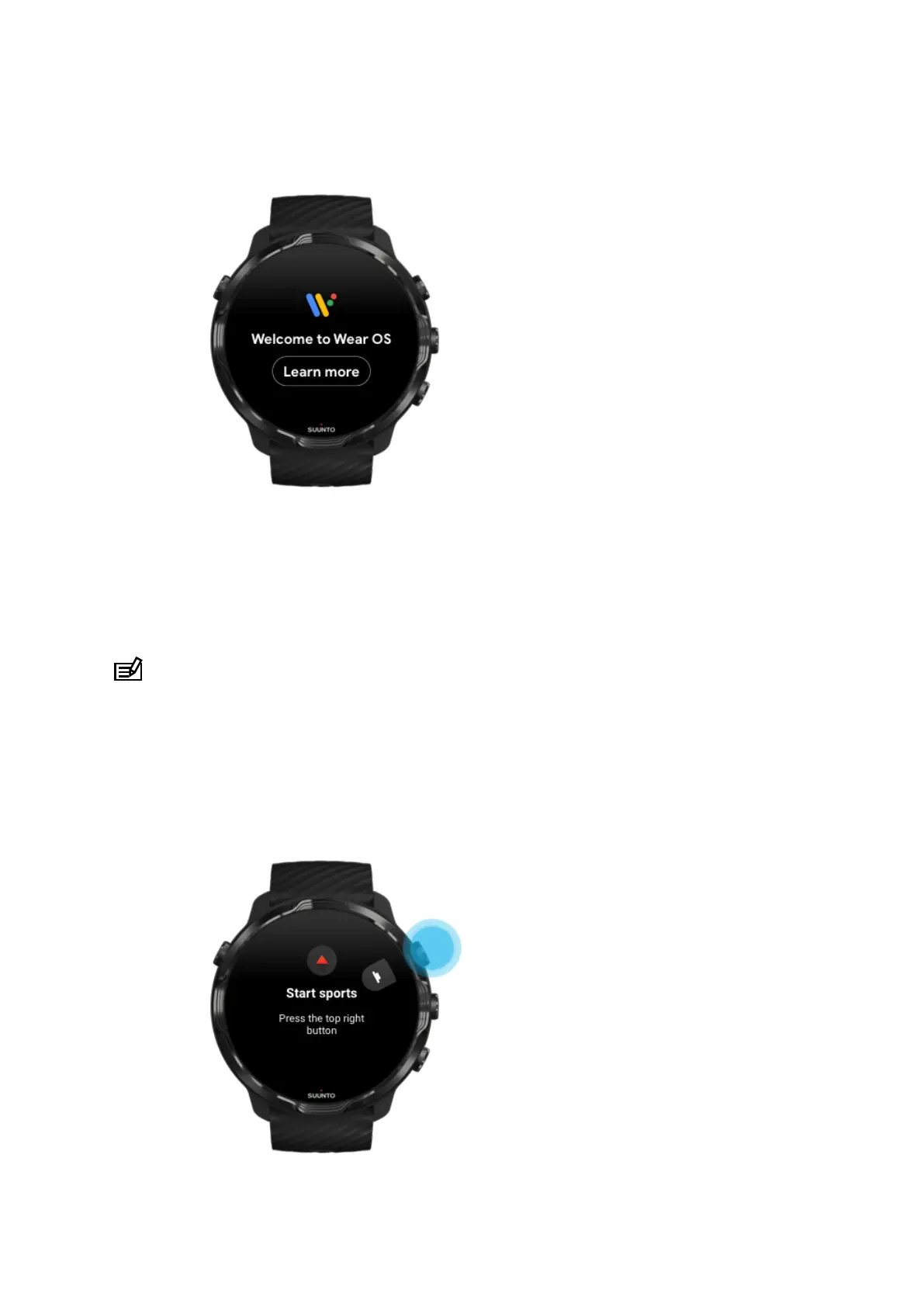
3. Follow the Wear OS tutorial on watch
After the initial set-up is done, follow the tutorial on your watch to learn more about
Wear OS by Google and how to navigate your Suunto 7.
Learn how to navigate your watch
NOTE: If you experience any slowness right after taking your watch into use,
don't worry. Your watch is downloading available updates in the background to oer
you the latest and greatest software right from the start. Once updates are complete,
the slowness is gone.
4. Start your sports with Suunto
Suunto 7
12



 To Next Page