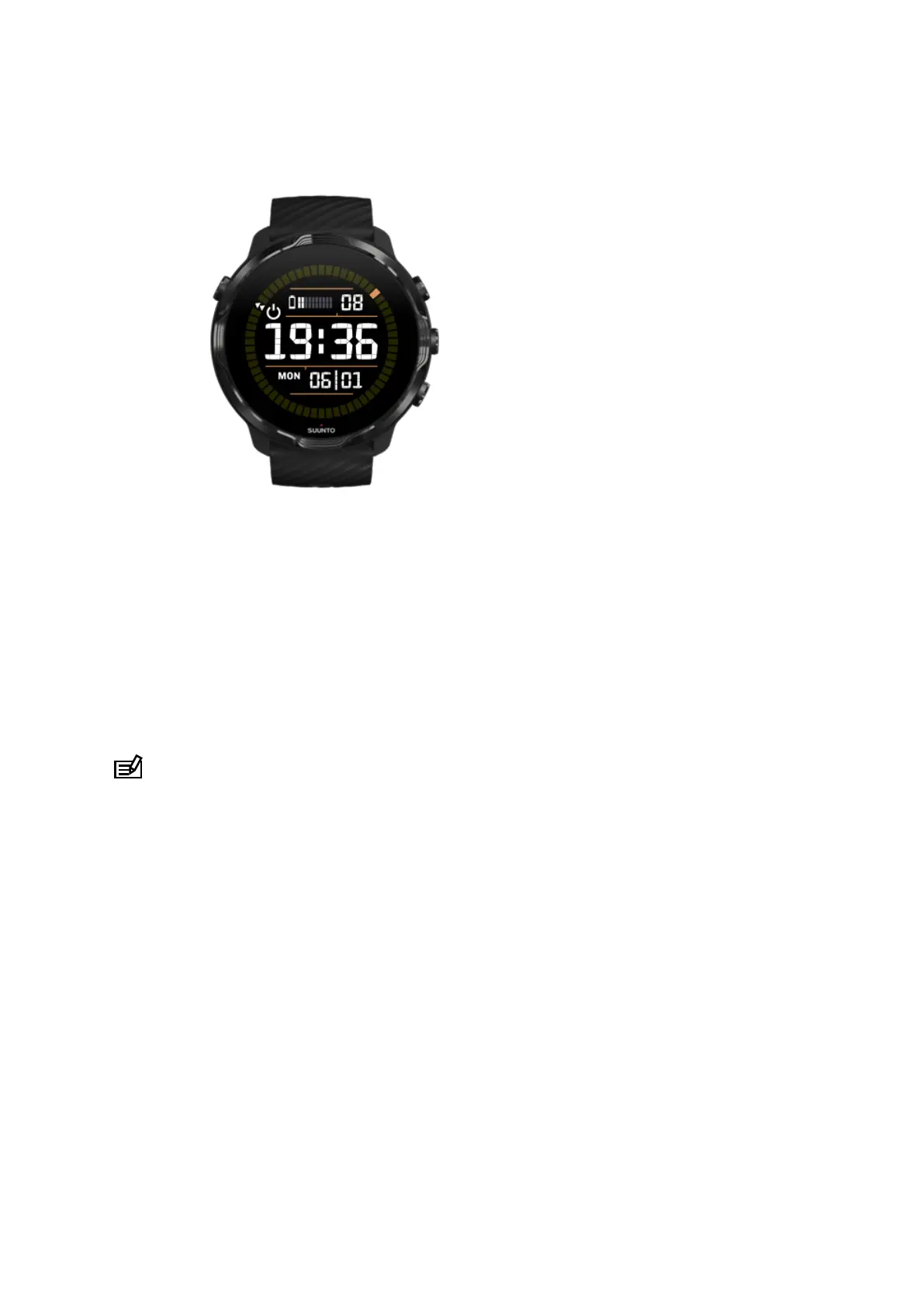
Use Battery Saver mode
When your watch’s battery gets low or you are, for instance traveling, you can turn
Battery Saver on to use your watch for longer. When Battery Saver is turned on, your
Suunto 7 works just like a traditional watch – you can check the time and date, and
see an estimation of remaining battery level.
If you turn Battery Saver on with a full battery, you can use Suunto 7 as a traditional
watch for up to 40 days.
NOTE: Battery Saver turns on automatically when the battery is getting critically
low.
Turn on Battery Saver
1. While on the watch face, swipe down from the top of your screen.
2. Tap Battery Saver.
Suunto 7
147



 To Next Page