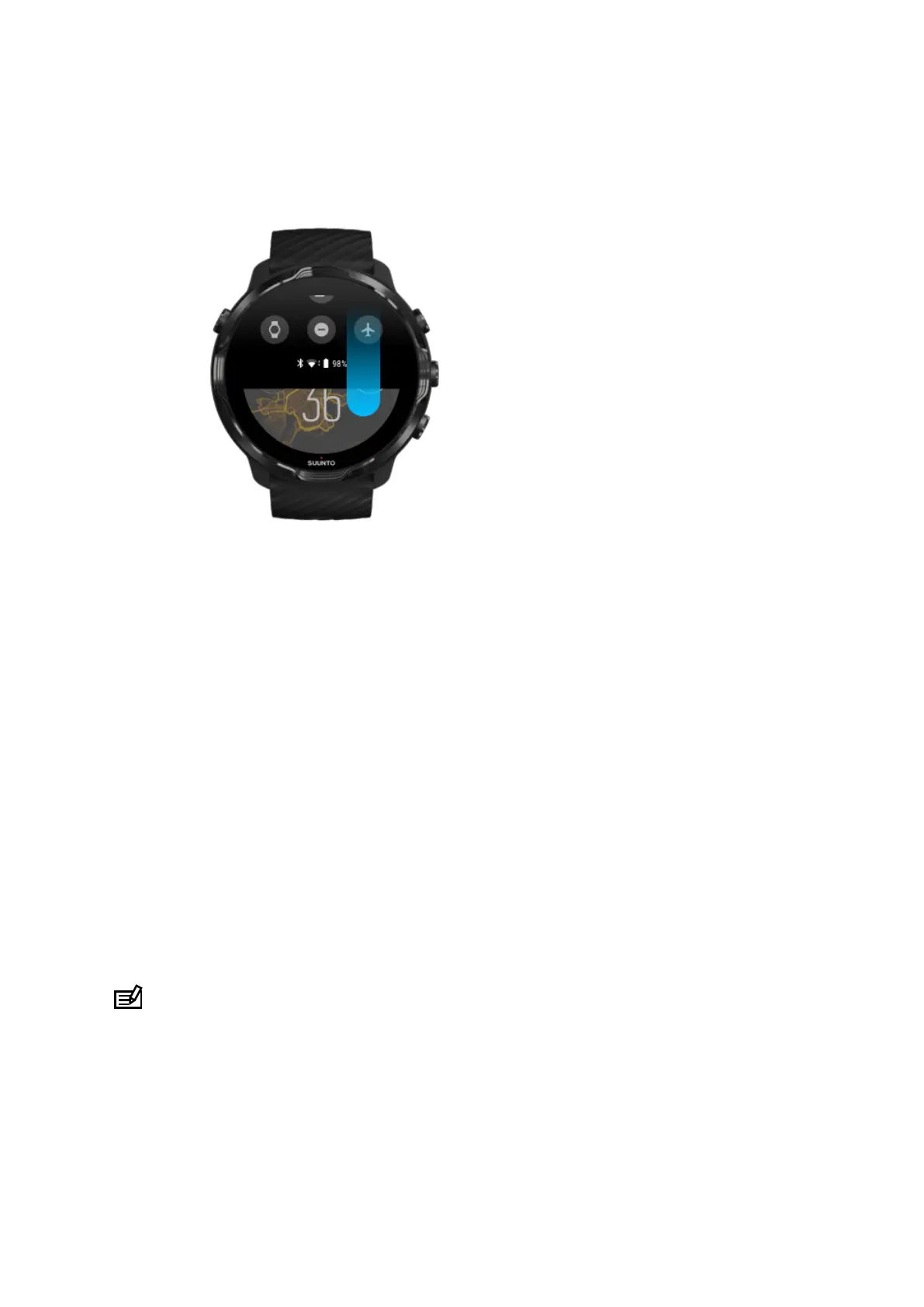
Swipe down to get quick access to handy features and
shortcuts
•
Check battery status
•
Check your connectivity
•
Make in-store payments with Google Pay*
•
Turn screen o
•
Turn Do not disturb
on/o
•
Turn Airplane mode on/o
•
Turn Battery Saver on
•
Find my phone
•
Turn flashlight on/o
•
Go to main settings menu
To go back to watch face, swipe up or press the Power button.
* Google Pay is visible and available on watch in selected countries.
Check supported countries and learn more about Google Pay.
NOTE: Some icons might look dierent depending on your phone.
Suunto 7
20



 To Next Page