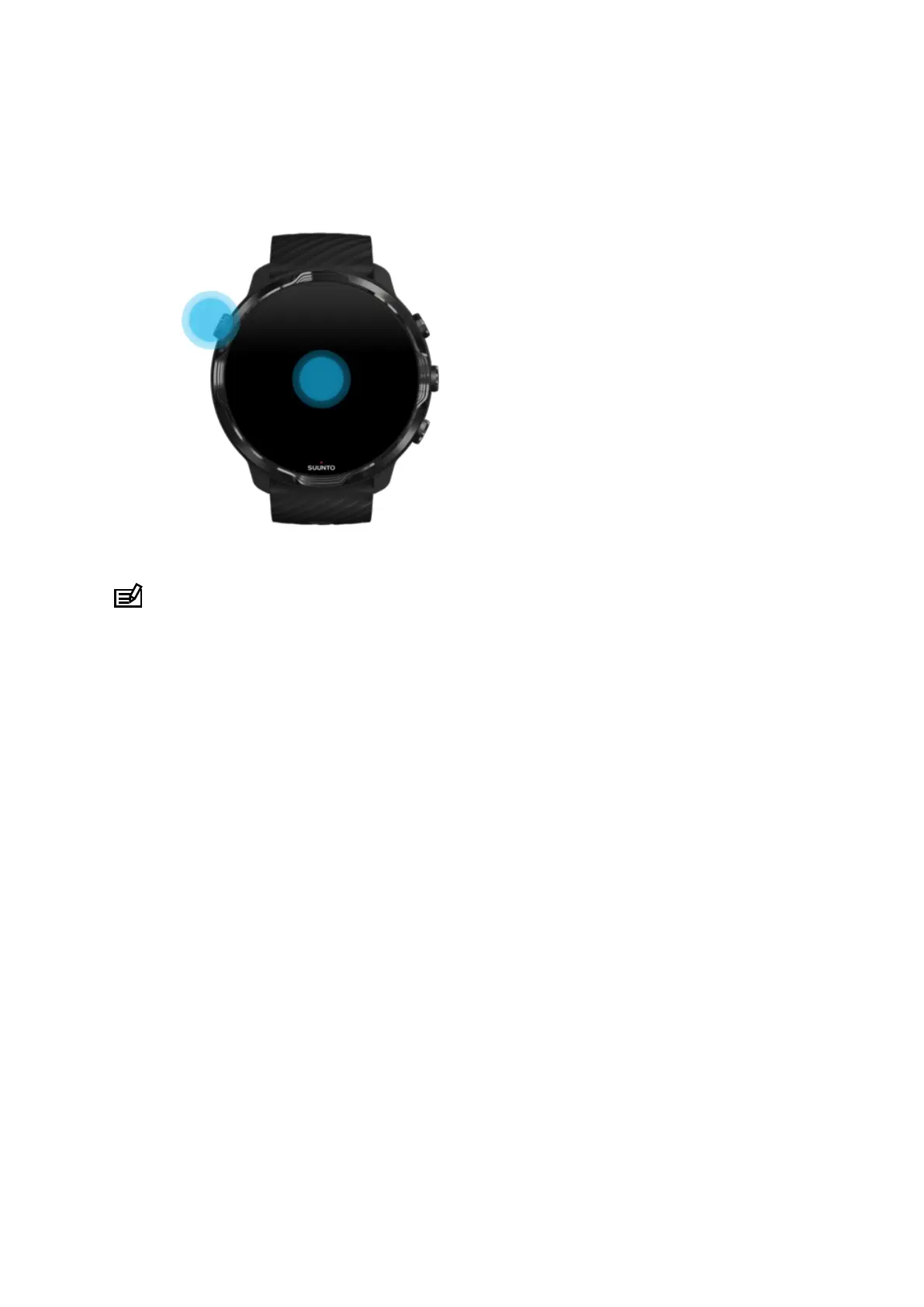
•
Press the Power button
•
Turn your wrist (o by default)
NOTE: For longer battery life Suunto 7 has Tilt-to-wake o by default.
Put your display back to sleep
To put your display back to sleep, you can:
•
Tilt your wrist away from you
•
Cover the screen with your hand for a few seconds
•
Wait a few seconds. The display dims automatically when you don’t interact with it.
Wake up display during sports
While recording an exercise with Suunto Wear app the display and gestures to
interact with your watch are optimized for sports and longer battery life.
To check your stats during exercise, you can:
•
Turn your wrist*
•
Press the Power button
Suunto 7
24



 To Next Page