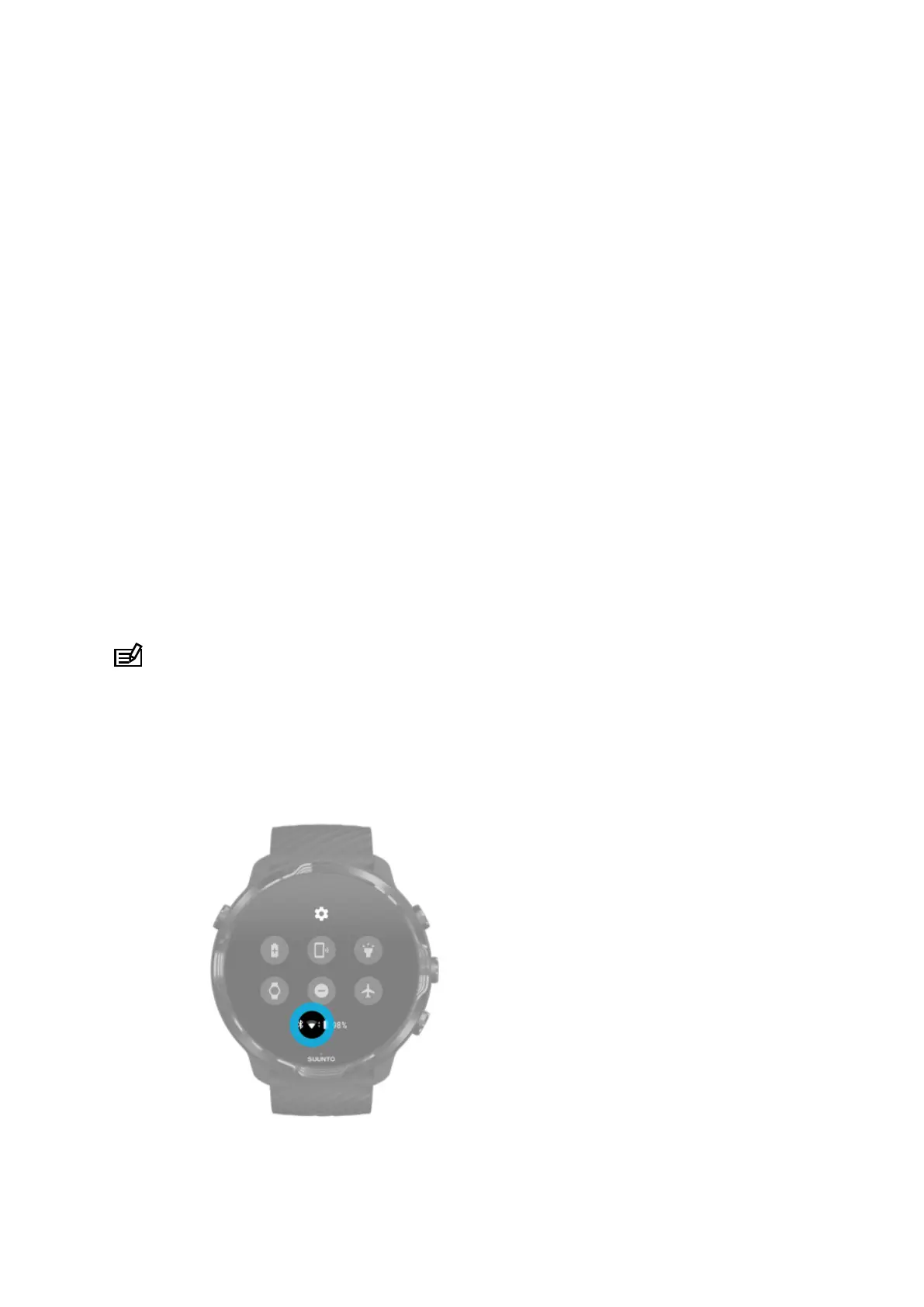
Reconnect your watch with your phone
Your watch should automatically reconnect with your phone when:
•
You have your watch and phone close together.
•
Bluetooth on your watch and phone is turned on.
•
The Wear OS by Google app is open on your phone.
If your watch doesn’t automatically reconnect after a short while, try these:
•
Tap the screen on your watch or press the Power button to make sure your watch
is active.
•
Tap the
notification on your watch to reconnect. If you can’t see it, swipe up and
check your notification stream.
•
Make sure the Airplane mode is not turned on on your watch or phone.
•
Try switching your watch’s Bluetooth
o and then back on.
•
Try switching your phone’s Bluetooth
o and then back on.
•
Make sure your devices & app are up to date.
•
If nothing else helps, restart your watch and your phone.
NOTE: Do not try to fix connectivity by removing your watch from the list of
paired Bluetooth devices on your phone’s Bluetooth settings. If you remove the
Bluetooth connection, you will need to reset your watch.
Connect to the Internet through
Wifi
Suunto 7
28



 To Next Page