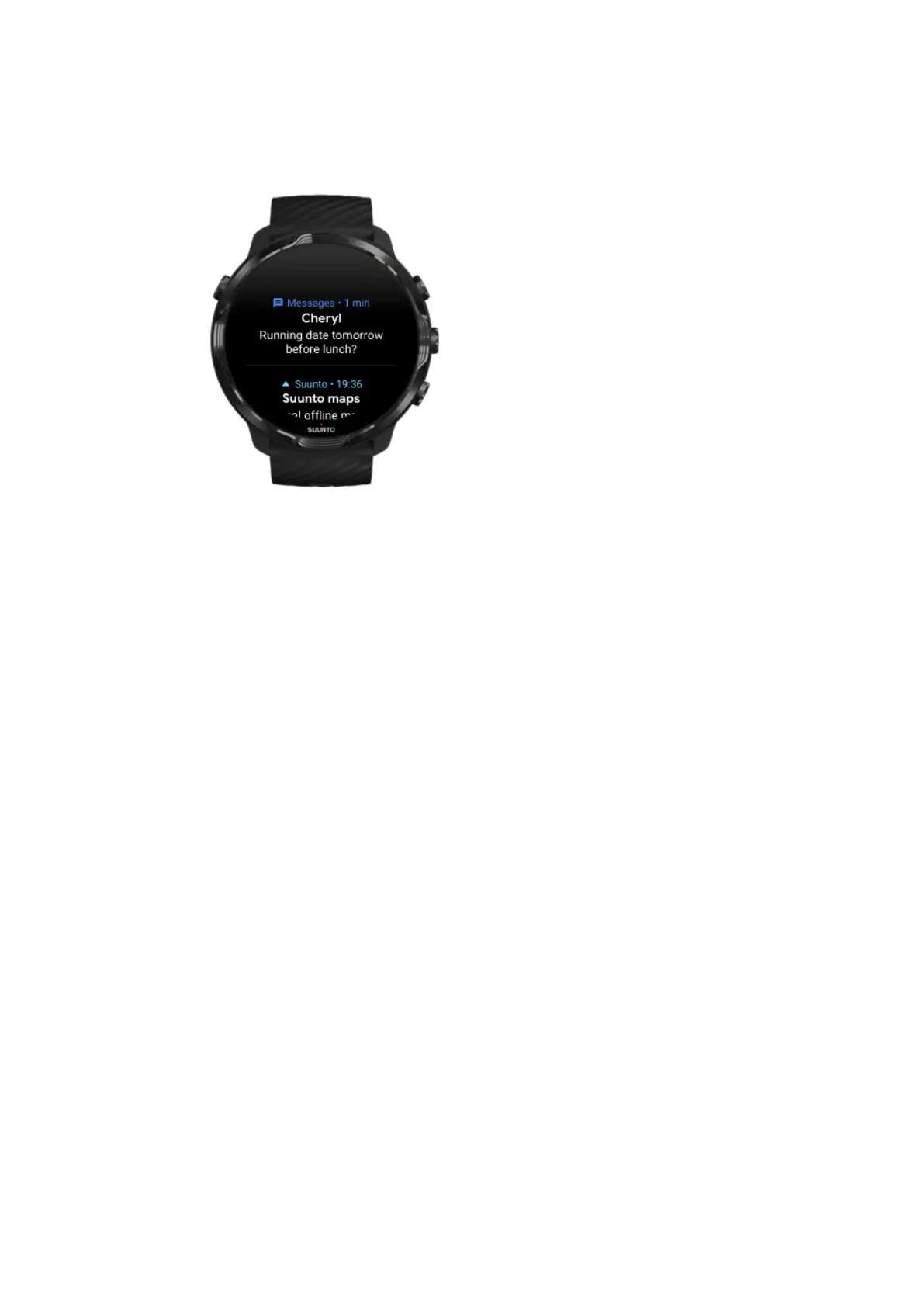
Manage your notifications
If you don’t react to a notification when it arrives, the message is saved in your
notification stream. A small ring at the bottom of the watch face indicates you have a
new notification.
•
While on the watch face, swipe up to scroll through your notifications.
•
Tap to expand a message to read and react to it.
•
Swipe left or right to dismiss a
notification.
•
To clear all notifications, swipe to the bottom of the notification stream and select
Clear all.
Suunto 7
46



 To Next Page