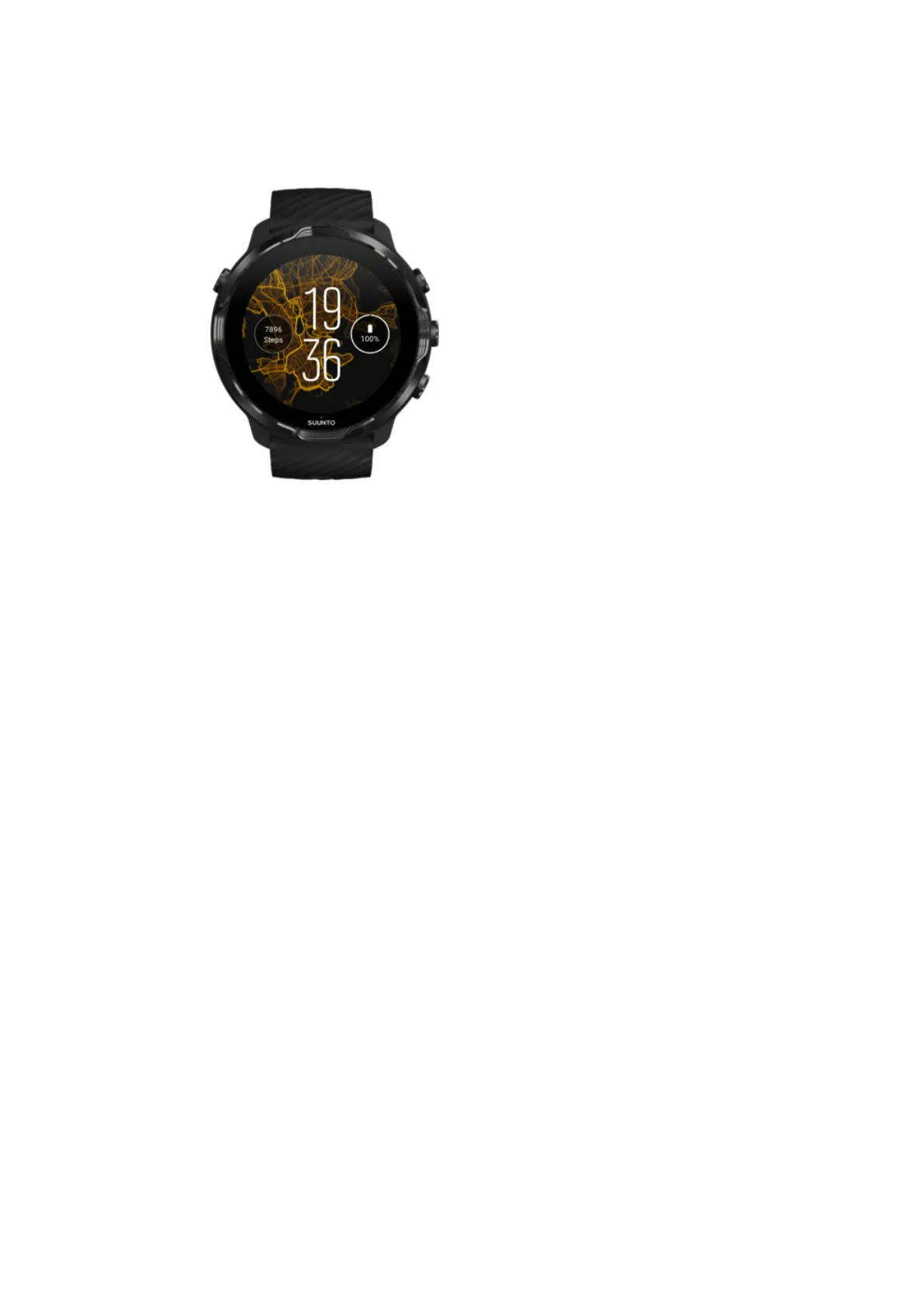
Heatmap
To inspire and encourage you to explore the outdoors around you, the Heatmap
watch face shows where other passionate Suunto athletes have been exercising in
your area.
By default, the heatmap will show popular running routes in your area. If running is not
your thing, you can go to the watch face settings and choose another sport for your
heatmap. Suunto 7 has 15
dierent heatmaps to choose from.
The heatmap on your watch face is automatically updated based on your location. If
you do not see a heatmap or the map does not update based on your location, check
these:
•
On your phone, allow location sharing for Wear OS by Google.
•
On your watch, allow location sharing in Connectivity settings settings and in
Suunto watch faces application permission settings.
•
Make sure your watch is connected to the Internet.
•
You have moved more than 2 kilometers (1.25 miles) from your previous location.
•
Try a
dierent heatmap – maybe there is no heat for the sport you chose yet.
Suunto 7
53



 To Next Page