Avoid accidental touch and button actions during
exercise
Wet conditions or, for instance, the gear you are wearing can sometimes accidentally
interrupt your exercise recording. To avoid accidental taps and button presses during
exercise, you can lock the touch screen and button actions.
NOTE: Unwanted actions such as rain drops or a wet sleeve can also drain your
battery faster than expected by waking up the display repeatedly without you
noticing.
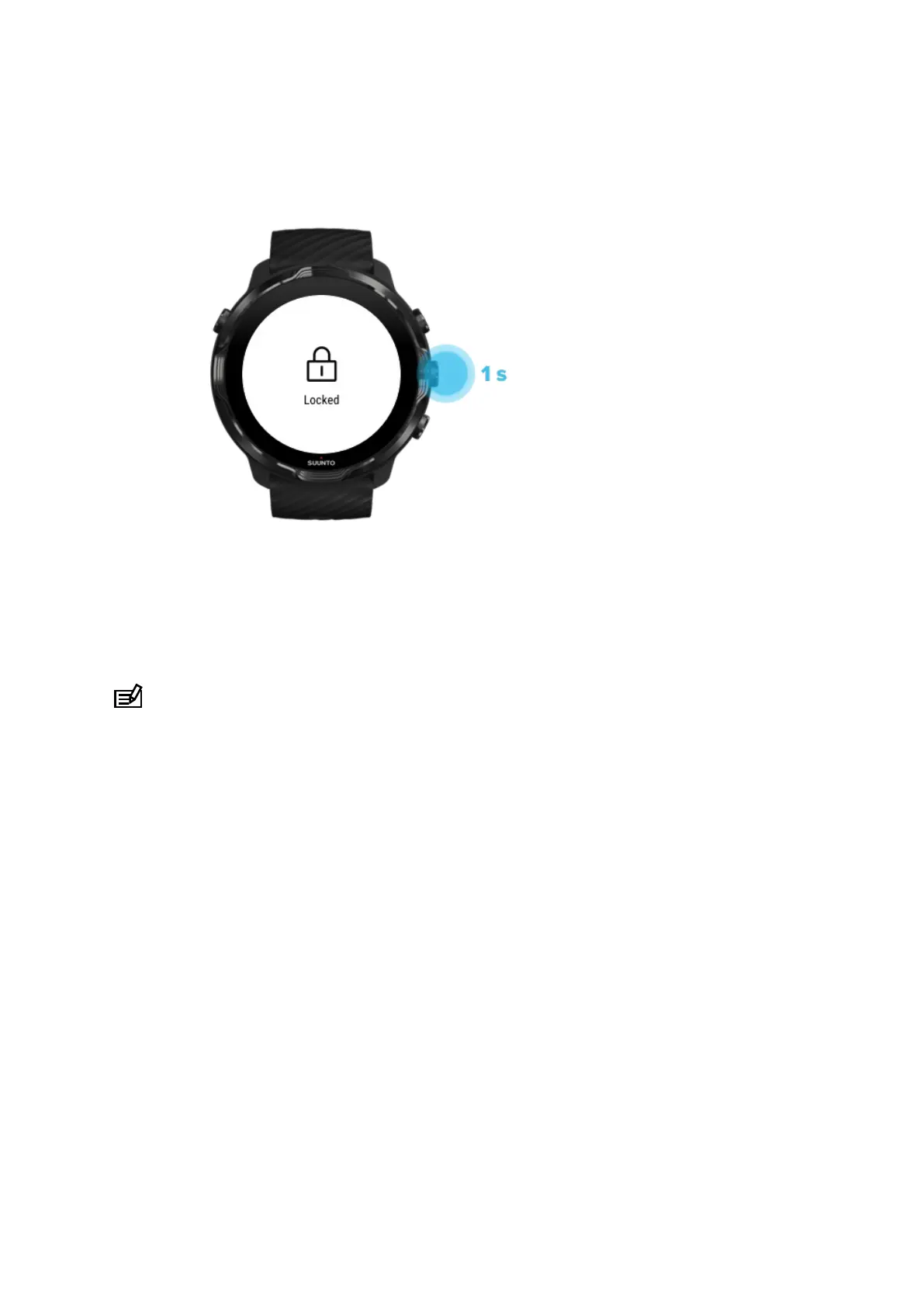
Lock touch screen and button actions
1. To lock the screen and button actions, keep the middle button pressed.
2. To unlock, keep the middle button pressed again.
When the screen and buttons actions are locked, you can:
•
change the exercise view with middle button
•
return to the watch face with Power button
•
zoom the map with the top right and bottom right buttons
When the screen and buttons actions are locked, you can’t:
•
pause or end the exercise
•
create manual laps
Suunto 7
98



 To Next Page