66
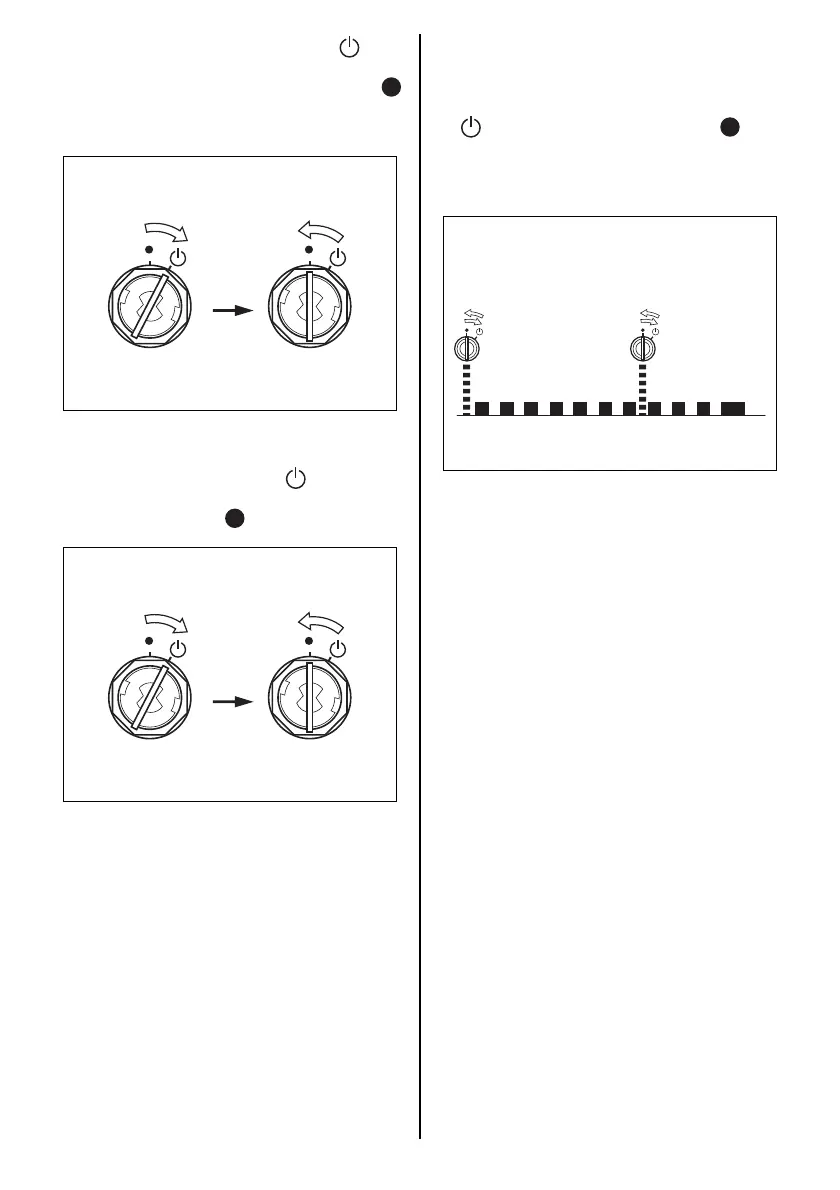
6. Turn the emergency key 2 to the “ ” posi-
tion and hold it until the buzzer sounds.
Turn the emergency key back to the “ ”
position. The system turns to stand-by state
for passcode input.
7. Take the following steps to enter the pass-
code.
(1)Turn the main switch to the “ ” position and
then release it. The main switch automati-
cally returns to the “ ” position.
(2)The buzzer starts emitting short sounds.
When the buzzer sounds for the same num-
ber of times as the 1st digit of the passcode,
immediately turn the emergency key to the
“ ” position, and release it to the “ ” posi-
tion.
To enter “0” in the passcode, turn the switch
after the buzzer sounds 10 times.
(3)After an 11th long sound, repeat steps 1 and
2 to enter the second, third and fourth pass-
code digits.
1234567891011
Example: When entering 7



 To Next Page