47
RECORD
This piano is equipped with a real time recorder, able to store one song, with a 3-track
sequencer. It will record all note events and the accompaniment flow exactly as they are
performed. This recorded information is nonvolatile and therefore will not be lost when
the power is turned off. The tracks can playback separately, paired, or together as a
complete song.
RECORDING
1. Prepare - Prepare to record by setting the voice, style, tempo,
reverb level and all other parameters as desired. These settings
can be stored into a registration memory for easy recall, please
see the registration memory section for more information.
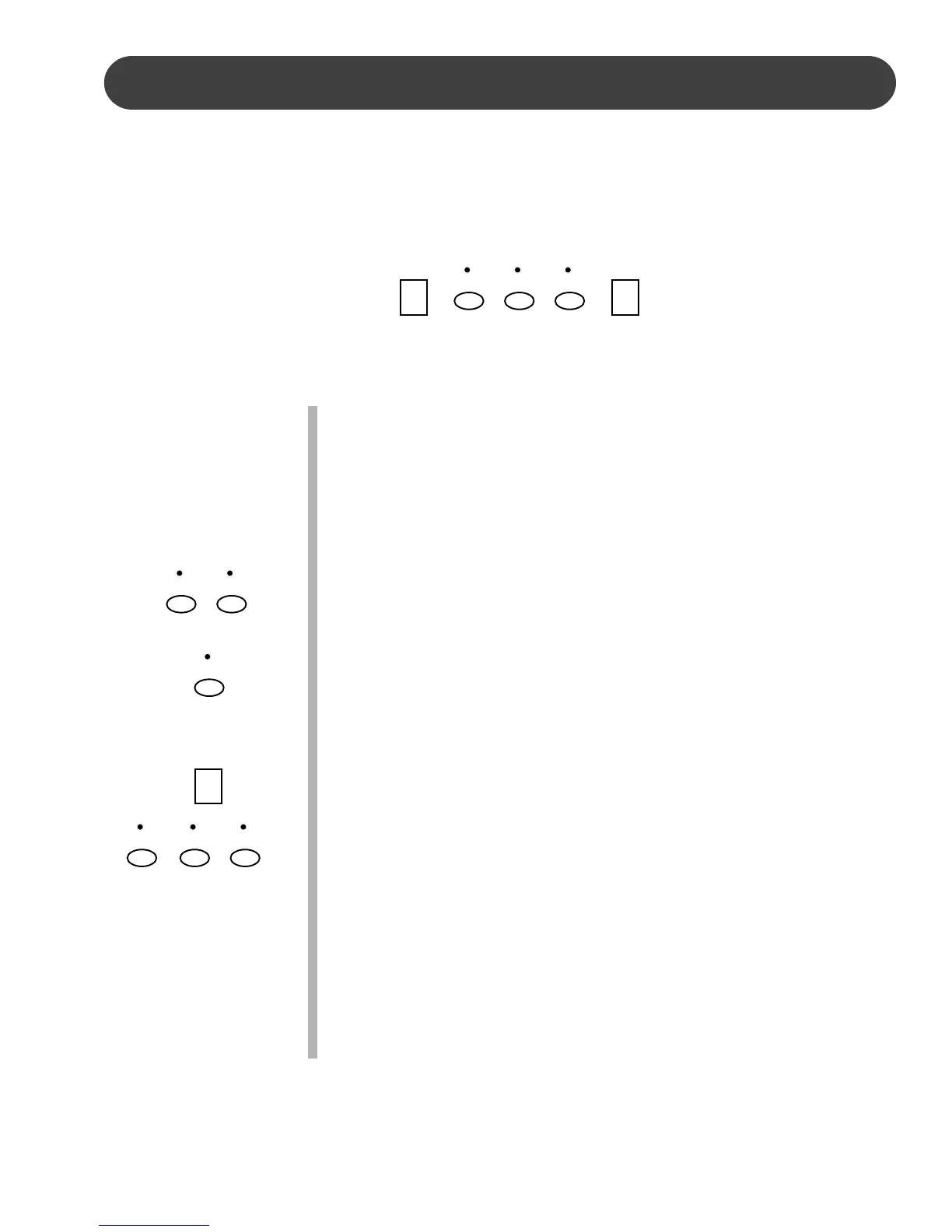
2. Choose a track - Press the track button that you want to record in.
If there is recorded information in that track, the indicator will light
up, if the track is empty, the indicator will remain dark.
Melody tracks will record, all notes, with their velocity, voice, dual voice
statue, reverb and its level and chorus and its level. There are two
tracks available for recording the melody, these are assigned by press-
ing the MELODY 1 or the MELODY 2 button.
Auto Accompaniment will record, the chord changes, style, tempo,
variation, introduction, fill-in and ending. The ACCOMP track button will
select the accompaniment track.
3. Select a track - Press and hold down the RECORD button, then
press the track button that you want to record in. The correspond-
ing track indicator will blink, and the four dots of the beat indicator
will blink with the current tempo, to show that the recorder is on
standby.
If you have previously chosen a recorded track(s) in the selected
song, so that the indicator is lit , the recorded music will play, as a
reference, while you record the new track. If you do not wish for
previously recorded tracks to play while you are recording, press
the corresponding track button to turn the indicator light and its
recording off, before you press the RECORD button.
Please note, be careful not to hold the RECORD button down
while deselecting a track as that will put that track on standby, and
immediately erase the existing recording.
RECORD
ACCOMP MEL 1 MEL 2
PLAY/STOP
RECORD
ACCOMP
MEL 1 MEL 2
ACCOMP MEL 1 MEL 2


 To Next Page