49
PLAYBACK - To hear your recording follow these directions.
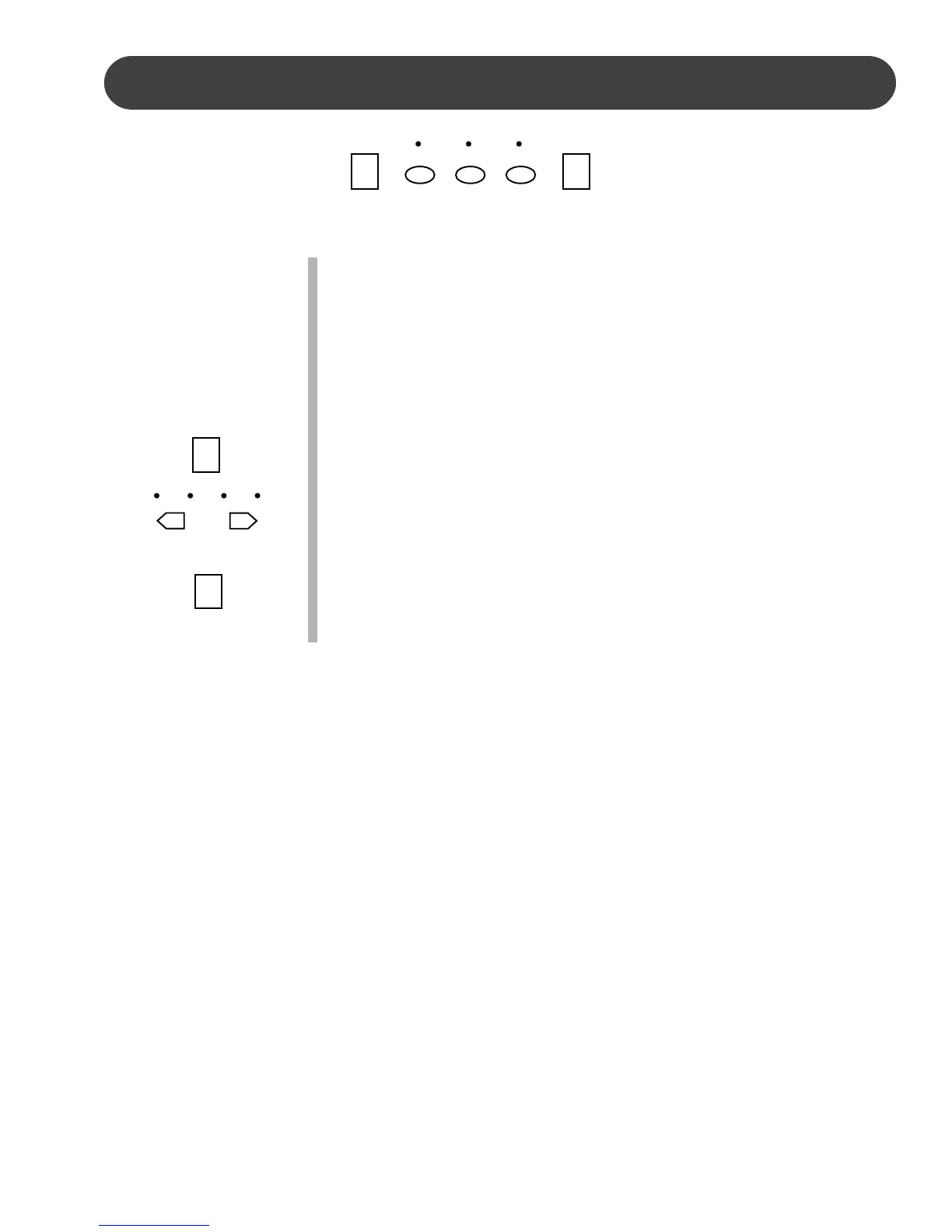
1. Press the track buttons that you wish to hear, if there is recorded
information the indicator will light up.
2. If the indicators of the recorded tracks are lit up and if you do not
wish to hear a track, press the corresponding track button to turn
that track off.
3. Press the PLAY/STOP button to play the recorded track(s). The
dots of the beat indicator will flash with the recorded tempo.
You can change the tempo by pressing the – TEMPO + buttons.
You may play on the keyboard while the recording is playing back.
4. Press the PLAY/STOP button again to stop the playback, or it will
stop automatically when the recording reaches its end.
5. You may stop recording at any time.
RECORD
RECORD
ACCOMP MEL 1 MEL 2
PLAY/STOP
– TEMPO +
PLAY/STOP
PLAY/STOP


 To Next Page