The SLEEP function can be canceled at any time during operation by pressing the "Sleep", "Mode" or "fan
speed" button.
In FAN or DRY mode, SLEEP function cannot be set.
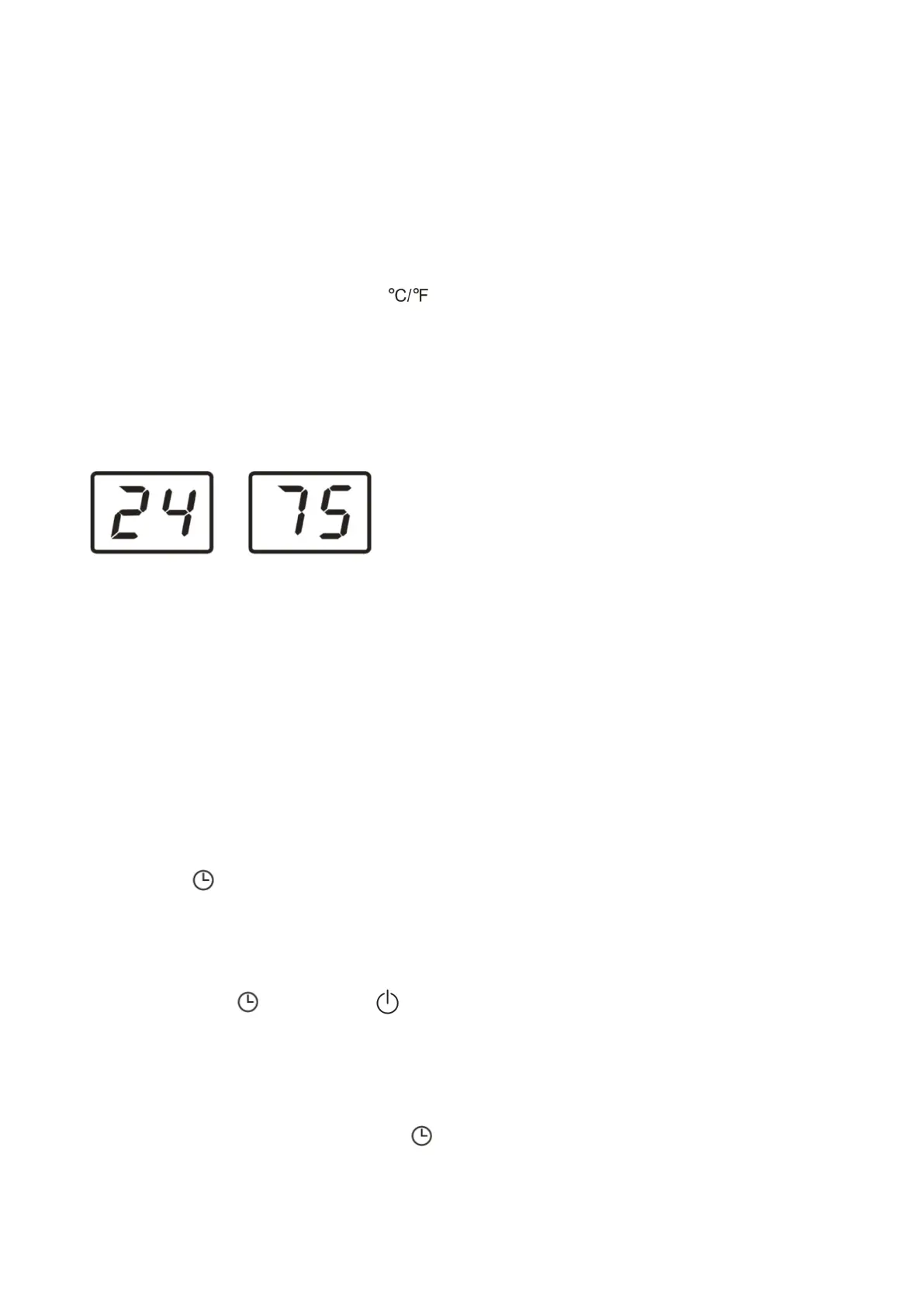
Switch the unit of temperature
When the appliance is running, press the button, then you can change the
unit of temperature.
For example:
Before change, in cool mode, the screen display like fig left.
After change, in cool mode, the screen display like fig right.
SETTING THE TIMER
-This timer can be used to delay the appliance startup or shutdown, this avoids wasting
electricity by optimising operating periods.
Programming start up
● Turn on the appliance, choose the mode you want, for example cool, 24
℃
, high fan speed. Turn off
the appliance.
● Press the button, the screen will display 1-24 hours.
● Press several times until the corresponding time is displayed. Wait about 5 seconds, the timer will be
active, then only the symbol is displayed on screen.
● Press again the button or the button, the timer will be canceled
Programming shut down
● When the appliance is running, press the button, the screen will display hours.
● Press several times until the corresponding time is displayed. Wait about 5 seconds, the timer will be


 To Next Page