EasyManua.ls Logo

Sven MS-302 - User Manual

Sven MS-302
28 pages
Print Icon
To Next Page IconTo Next Page
Loading...
www.sven.fi
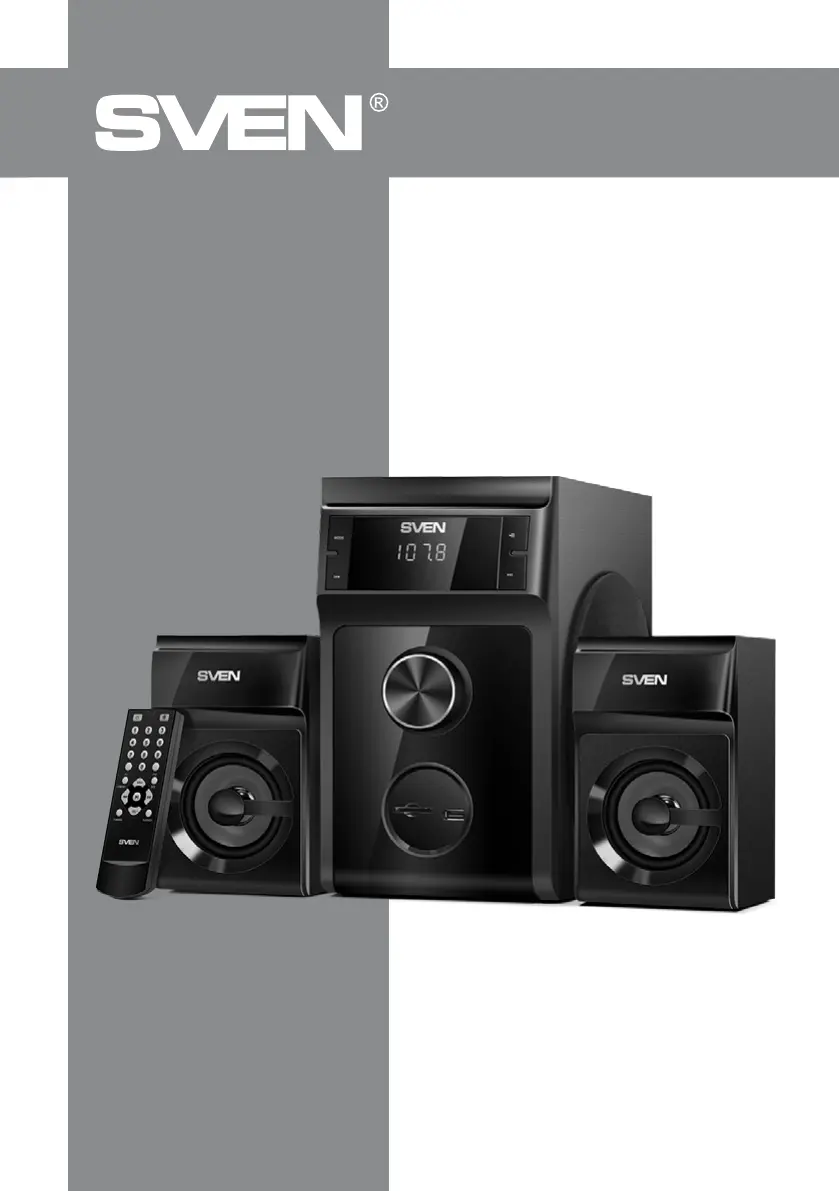
USER MANUAL
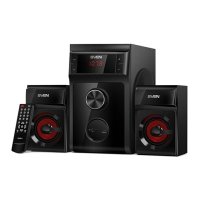
2.1 Multimedia
Speaker System
MS-302

Other manuals for Sven MS-302

Questions and Answers

  • A
    allencraigAug 4, 2025
    What to do if my Sven MS-302 Speakers have no sound?
    • M
      marywilsonAug 4, 2025
      If there is no sound or the sound is too quiet, ensure that the volume level is not set to the minimum. Adjust the volume control knob. Also, check that the audio source is properly connected and reconnect it correctly if needed.
  • E
    Edward AdamsAug 11, 2025
    Why is my Sven MS-302 remote control not working?
    • M
      Mark StaffordAug 11, 2025
      If the remote control is not working, the batteries may be discharged. Replace the batteries with new ones.
  • B
    Bill GuzmanAug 19, 2025
    How to fix sound distortion on Sven MS-302 Speakers?
    • M
      Michelle WeaverAug 19, 2025
      If you experience sound distortion, the input signal amplitude might be too large. Turn down the source volume and the Sven Speakers volume.
  • C
    Chelsea SullivanAug 27, 2025
    How to fix Sven MS-302 Speakers that don't turn on?
    • S
      Sarah WheelerAug 27, 2025
      If the Sven Speakers do not turn on, first, ensure that the speakers are connected to a mains outlet. If it's connected, check if the power switch is off and turn it on.

Summary

Safety Precautions

Technical Description

Features

Lists key features of the speaker system.

Operation Modes

Player Mode

How to use the system for playing audio files from USB/SD.

Tuner Mode

How to use the FM radio function.

Line input Mode (PC)

How to connect and use the system with a PC.

ST-BY Mode

How to enter/exit standby mode.

MUTE Mode

How to mute the audio output.

Troubleshooting

Technical Specifications

Sven MS-302 Specifications

General IconGeneral
Product colorBlack
Volume controlRotary
RMS rated power40 W
Housing materialMDF
Recommended usageUniversal
Remotely operatedYes
Remote control typeIR
Audio output channels2.1 channels
Amplification device form factorBuilt-in
Satellite speaker type1-way
Number of satellite speakers2
Satellite speakers RMS power20 W
Satellite speaker frequency range150 - 20000 Hz
Satellite speaker dimensions (WxDxH)104 x 171 x 108 mm
Subwoofer frequency range40 - 150 Hz
Subwoofer dimensions (WxDxH)159 x 272 x 245 mm
Power sourceAC
AC input voltage230 V
AC input frequency50 Hz
BluetoothNo
USB 2.0 ports quantity1
Connectivity technologyWired
I/O portsSD: slot for SD/MMC cards; RADIO ANT: radio antenna input jack; PC AUDIO INPUT: PC input jack.
Compatible productsPCs, DVD/Media-players, mobile devices and other sound sources
Weight and Dimensions IconWeight and Dimensions
Weight3000 g

Related product manuals