ENG
7
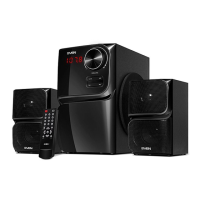
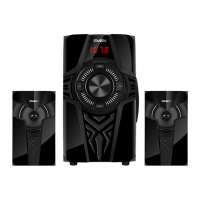
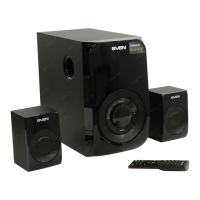
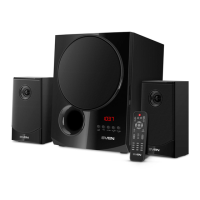
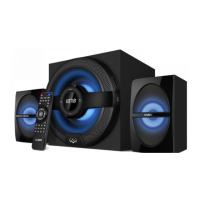
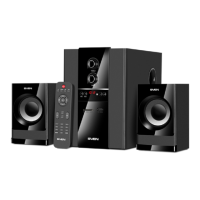
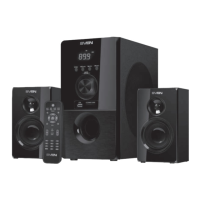
MS-304
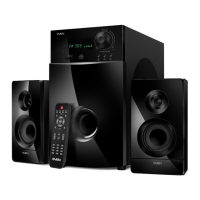
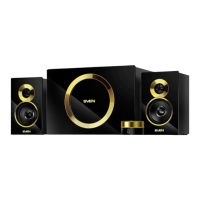
MS-307
User Manual
• In order to have the high-delity reception orient the antenna in direction of radio signal when
listening to the radio, rst connecting the antenna to FM ANT jack j (see Fig. 4).
• When the MSS operation is over, mind to switch it o using switch m (OFF position) and un-
plug the power cord n from the socket.
6. OPERATION MODES
Player Mode
• The system will enter the Player mode automatically when a carrier (USB ash or SD/MMC
card)* is connected to corresponding ports g or h; or press MODE button c on the front pan-
el of the subwoofer or USB/SD button e on the remote control. The LED display a will show
the selected mode, then the number of the tracks found and the track’s number ontheplay list
and then the playback time. The playback will start automatically.
• To select a track, you can directly enter its number on the remote control using the numeric
pad buttons b. The display a will show the track number for a short time and then the play-
back time elapsed.
• EQ mode (in the Player mode). There are 7 available preset settings: bas; pop; roc; jaz; cla;
cou; nor.
* The operation may be incorrect if a SD card of 512 Mb capacity or lower is used. If a USB ash
device of 8 Gb capacity or more is used, command processing time may be extended.
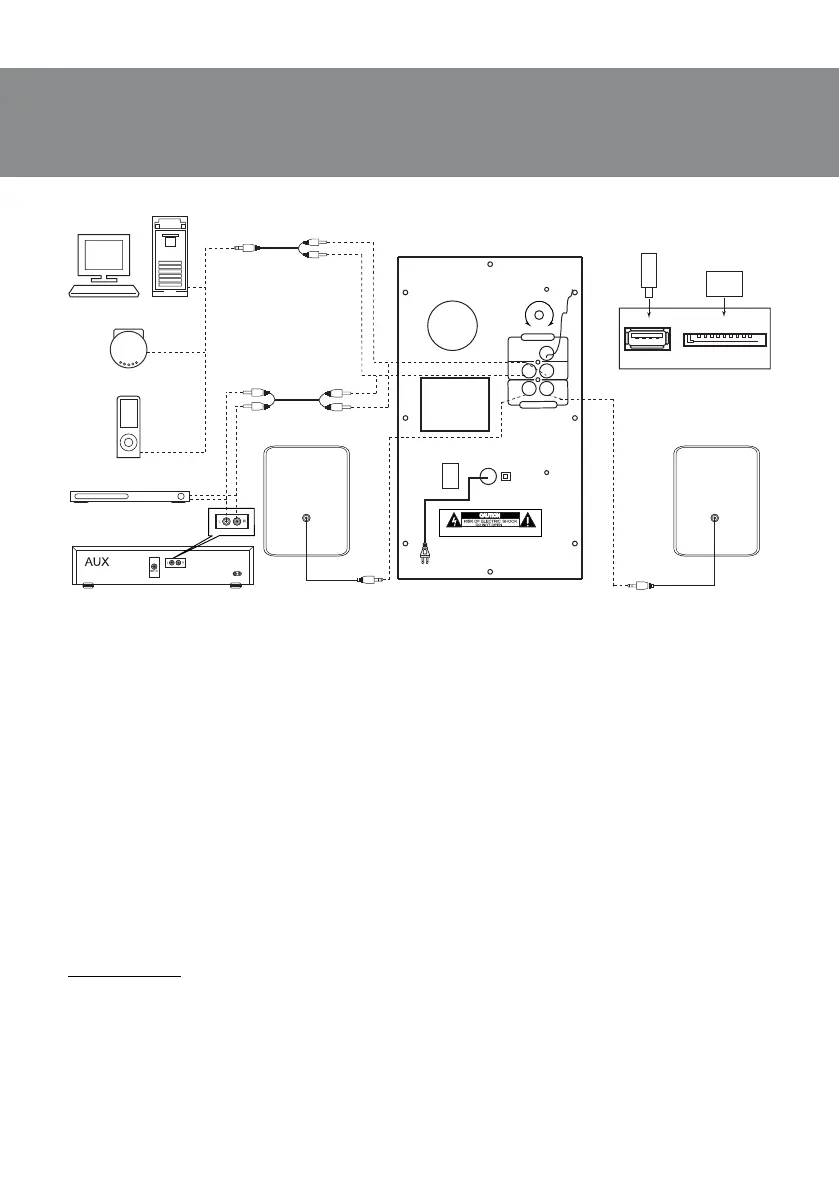
Fig. 4. Connection diagram
F M
ANT
L
R
L
R
AU DI O INP UT
AU DI O OU T P UT
ON
OF F
~23 0V/50H z
BA SS
WA RN ING :S HOC K HA Z A RD-D O N OT O P E N
Made in china
PC
USB flash/SD card
connection
CD
DVD
USB
SD
SD/MMC
USB
PC
Player
Right
speaker
FM antenna
2RCA to 2RCA
signal cable
2RCA to mini-jack
signal cable
Left
speaker



 To Next Page