ENG
9
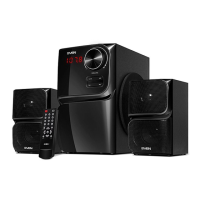
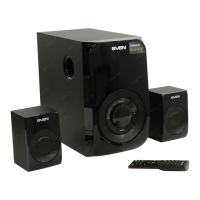
MS-304
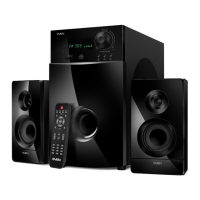
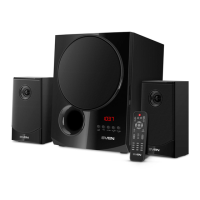
MS-307
User Manual
• If preset radio stations are available in the memory, you can switch from one to another byshort
pressing buttons d and f on the front panel of the subwoofer or buttons g and l onthe re-
mote control. You can also enter the frequency or the number of the preset station using numeric
pad buttons b on the remote control. The display a will show the station number for a short
moment and then its frequency.
«Line input» Mode (PC)
• Press MODE button c on the front panel of the subwoofer or PC/BT button d on the remote
control to switch to the PC mode. The display a will show PC inscription.
ST-BY MODE
• To enter/exit this mode, press and hold down MODE button c on the front panel of the sub-
woofer or button a on the remote control.
MUTE MODE
• To enter the MUTE mode, press button c on the remote control. To exit the MUTE mode,
press this button c once again.
Note. Due to the constant development of the software, the actual MSS operation may dier
from described in this Manual. The most recent version of the Manual is available at www.sven..



 To Next Page