ENG
2
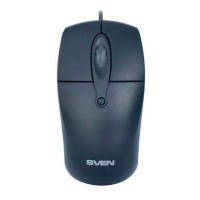
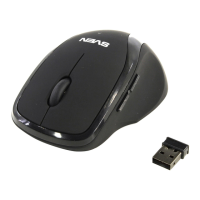
Wired Optical Mouse
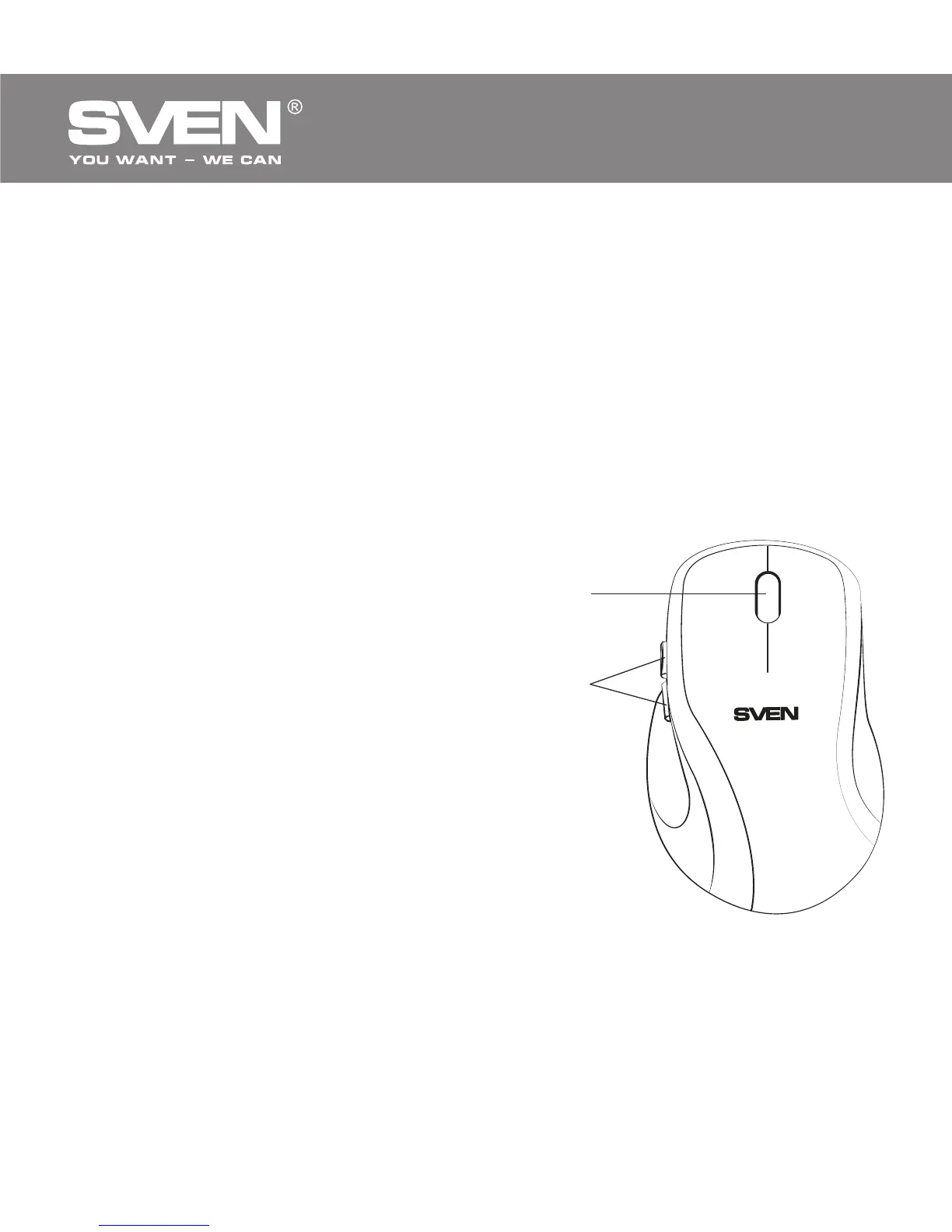
a
b
1. SPECIAL FEATURES
• Full-sized mouse
• BlueLED advanced optical technology
• Soft Touch coating
• Ergonomic mouse shape comfortable for the hand
• Effective on most surfaces
• High operating speed
• Two additional Forward and Back navigation buttons
• 800 dpi resolution
• USB interface
• No drivers required for Windows XP/Vista/7/8
2. PACKAGE CONTENTS
• Optical mouse — 1 рс
• User’s Мanual — 1 рс
• Warranty card — 1 рс
3. SYSTEM REQUIREMENTS
• Windows XP/Vista/7/8.
• Free USB port.
4. DESCRIPTION
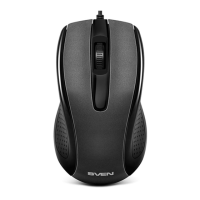
a Scroll wheel
b Additional Forward and Back
navigation buttons
5. INSTALLATION
• Connect the mouse to an available USB port of your PC.
• Installation of the mouse is automatic after its connection to the PC USB
port.
Fig. 1. Top view


 To Next Page