ENG
3
User’s Manual
RX-G930
d
a
c
e
b
f
SYSTEM REQUIREMENTS
• Windows XP/Vista/7/8/10
• Free USB port
DESCRIPTION
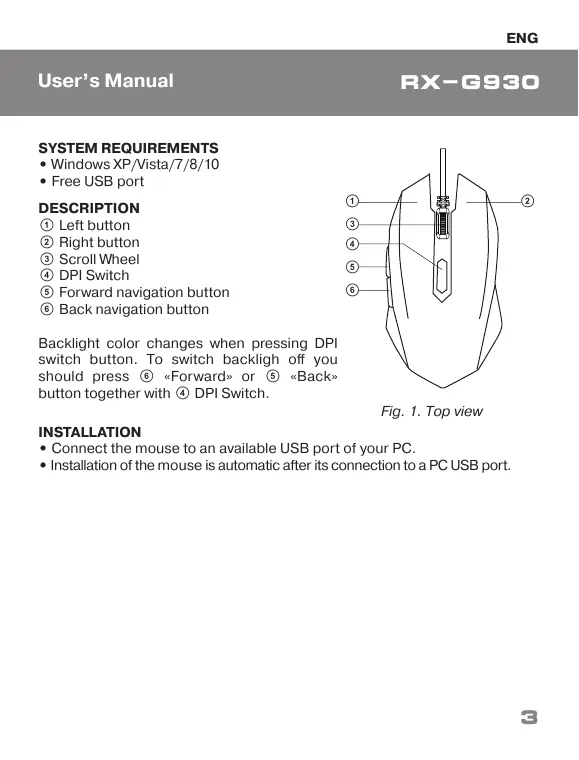
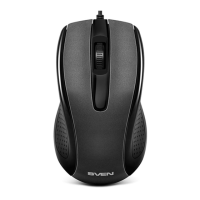
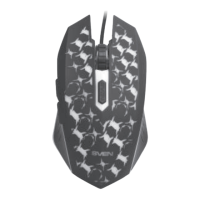
a Left button
b Right button
c Scroll Wheel
d DPI Switch
e Forward navigation button
f Back navigation button
Backlight color changes when pressing DPI
switch button. To switch backligh off you
should press f «Forward» or e «Back»
button together with d DPI Switch.
INSTALLATION
• Connect the mouse to an available USB port of your PC.
• Installation of the mouse is automatic after its connection to a PC USB port.
Fig. 1. Top view


 To Next Page