AS-EQ1 Operator Manual
© 2009 SV Sound, LLC
•
6420 Belmont Avenue, Girard, OHIO
•
703.845.1472
•
www.svsound.com
SV Sound, LLC
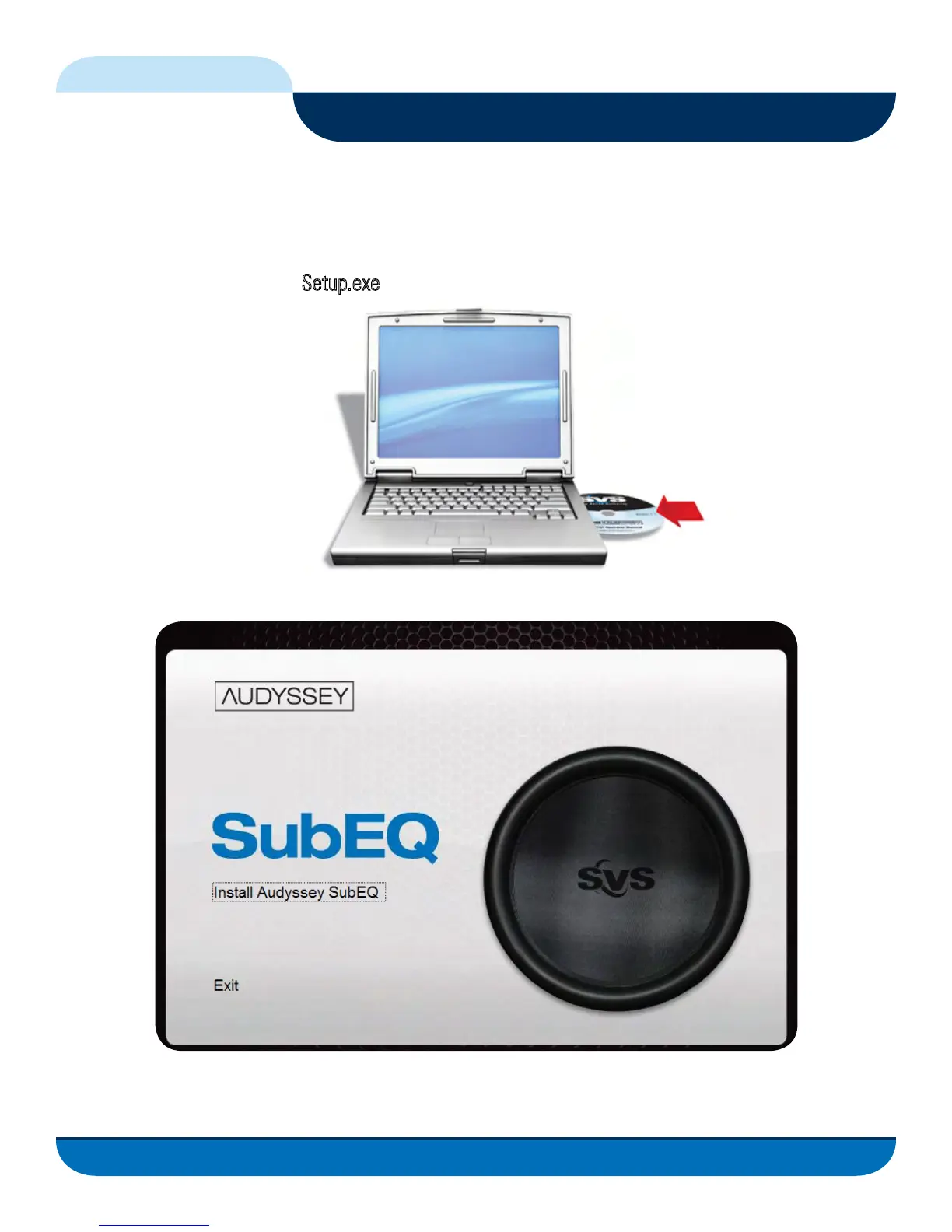
To install the Sub EQ GUI on your computer system, insert the CD that came with your AS-EQ1 into your
CD drive on the computer you will be using to configure the AS-EQ1. If the drive has been configured for
“AutoRun”, the installer should automatically run. If not, browse the drive in which the Sub EQ installation
CD resides and double click on
Setup.exe
When the installer runs, you will see the following Screen:
Installing the Sub EQ GUI on your PC
9
FIG. 5
FIG. 6



 To Next Page