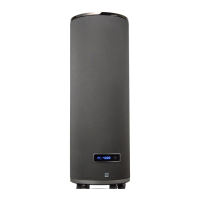
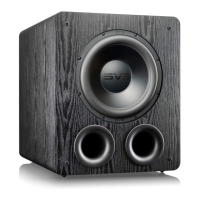
PC-2000 Pro
SUBWOOFER
Port Tuning (SVS App Only)
Port blocking allows custom tuning of your PC-2000 Pro Subwoofer based on listening prefer-
ence by exchanging max output for low frequency depth and quickness. Foam port plug is
available upon request by emailing custservice@svsound.com. When using the feature, always
match port blocking with the selected tuning via the SVS Subwoofer App.
Two tunings are available:
Standard Tune = All ports open (highest maximum output)
Sealed tune = All ports plugged (best transient response)
System Settings (SVS App Only)
Allows you to make further customizations and reset your subwoofer to factory settings.
Subwoofer Name
Customize the name of your subwoofer for easy preset switching.
Subwoofer Standby
Choose whether to have your subwoofer in Auto, On (Default), or Trigger mode.
Reset
Resets PC-2000 Pro Subwoofer back to original Factory Settings.
About this App
Provides version number and other information about the SVS App and also allows you
to turn performance monitoring on/off.
ADVANCED SUBWOOFER CONTROLS


 To Next Page