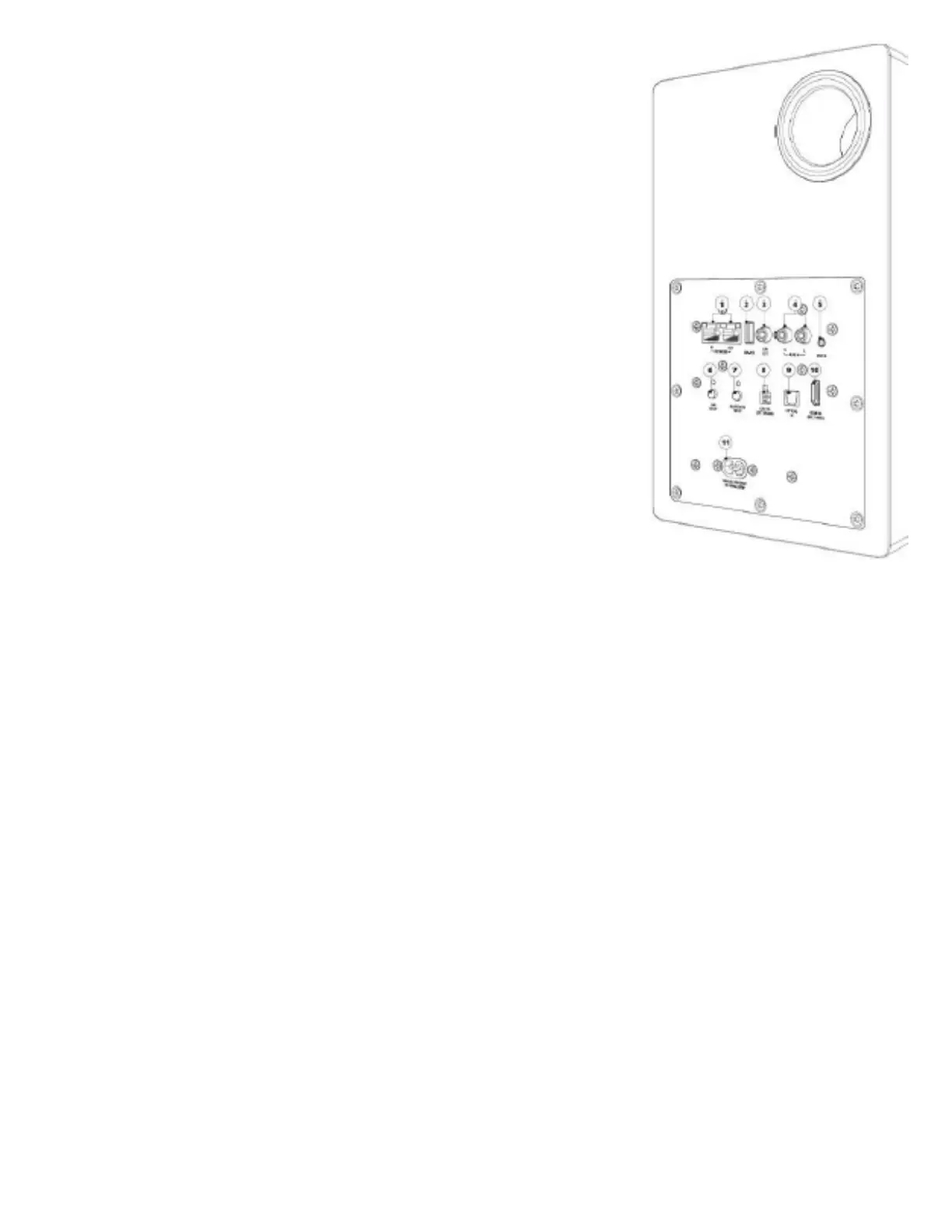
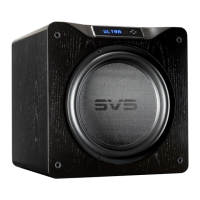
Connect to a subwoofer input using an RCA audio interconnect cable.
4. Left/Right RCA Line Input
Connect any stereo source using left and right stereo RCA analog
cables.
5. 3.5mm Line Input
Connect any stereo source using a stereo 3.5mm analog cable.
6. Wi-Fi Setup
Enables Wi-Fi set-up mode and shows status of the wireless
connection. A pulsing green light indicates set-up mode, a solid green
light means your product is connected to a wi-fi network and is ready
to use.
7. Bluetooth Setup
Enables Bluetooth pairing mode and shows status of Bluetooth
connection. A flashing blue light indicates pairing mode, a solid blue
light means your product is connected to a Bluetooth source and is
ready to use.
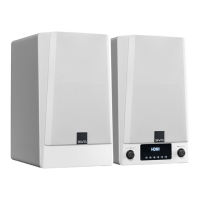
8. Output to Left Speaker
Connects your right active Prime Wireless speaker to the left passive
speaker using supplied speaker interconnect cable.
9. Optical Input
Connect to sources with an optical digital output such as a gaming
console or TV. Please consult your TV’s audio output settings.
10. HDMI In (ARC)
Connect to the HDMI ARC or eARC output of your TV. Please consult
your TV audio output settings and make sure your TV’s audio is being
output as PCM Stereo.
11. AC Power Cord Input


 To Next Page