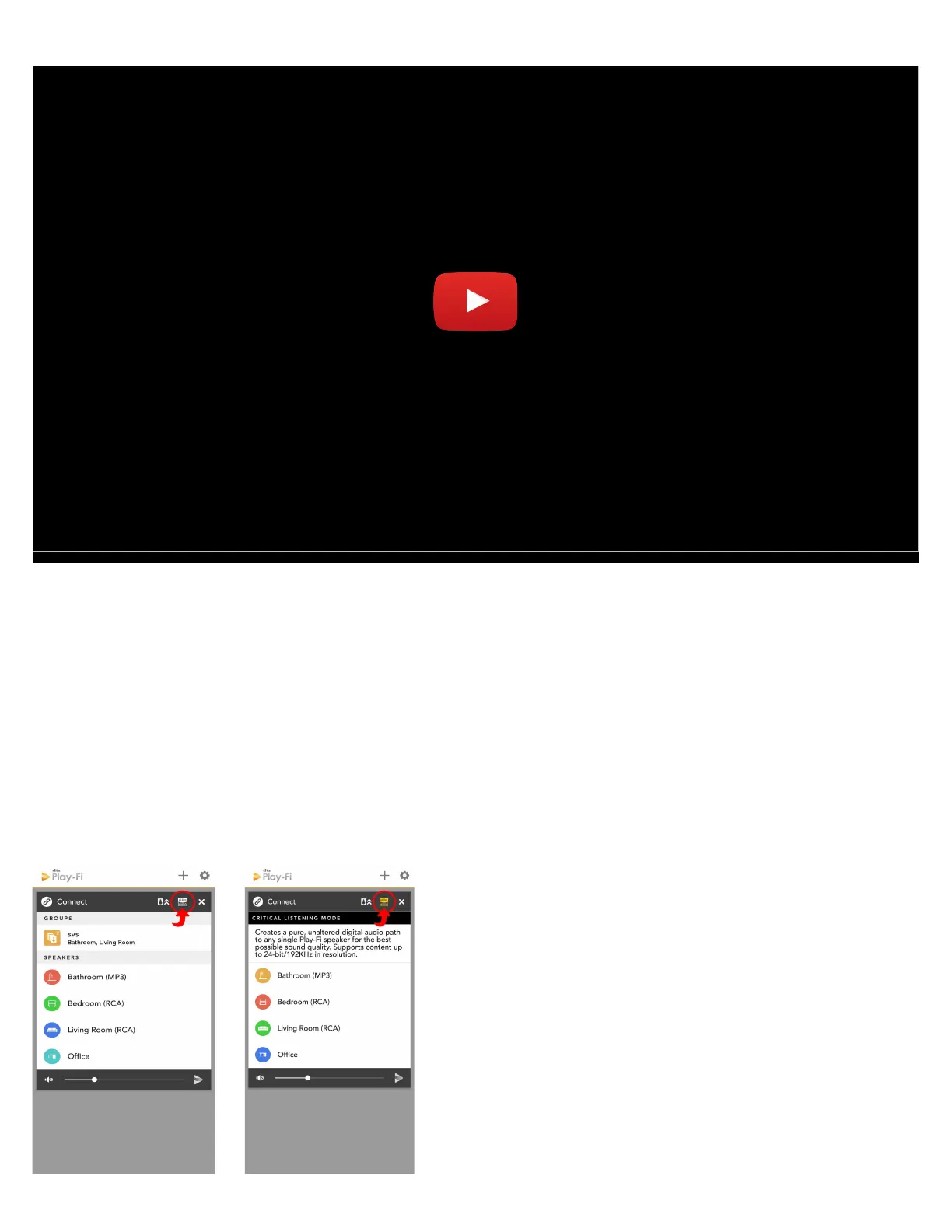
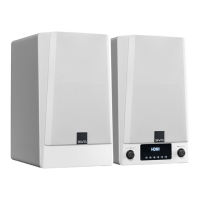
1. When you start the Play-Fi app, before selecting your Prime Wireless Prime Wireless Pro Powered
Speakers, tap the Hi-Res button in the top bar of the zone module (image 12a).
2. The Hi-Res logo will turn gold, the app will display CRITICAL LISTENING MODE, and the list will only
display the products that are compatible with this mode (image 12b).
3. Select the Prime Wireless Prime Wireless Pro Powered Speakers you want to stream to (only one
can be selected), and then play from your desired source for the truest audio reproduction
possible over WiFi.
Image 12a.
Image 12b.


 To Next Page