page 16 | owner’s manual
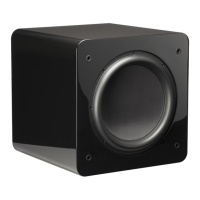
SB-3000
SUBWOOFER
SUBWOOFER CONTROL OPTIONS
Your SVS SB-3000 Subwoofer can be controlled from the new SVS Mobile App or via the rear
panel for unprecedented flexibility when optimizing performance for room layout, speakers,
system set-up and more.
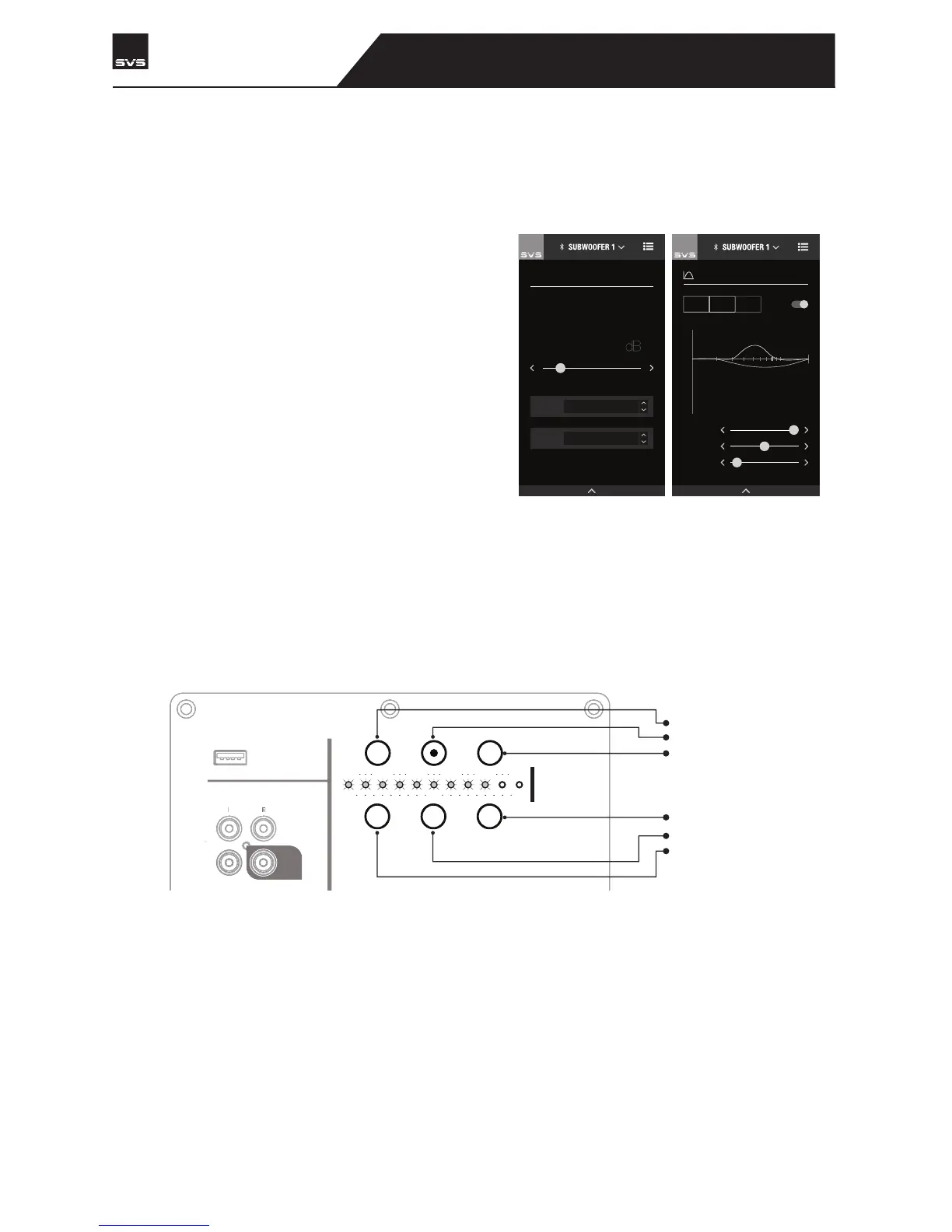
SVS Subwoofer App
Our groundbreaking SVS Subwoofer DSP app is
available for free via the Apple® App® Store and
Google Play™ Store. Just search “SVS App” and
follow the prompts to download to your mobile
device. Once installed, there’s a helpful tutorial
that will guide you through each option and
provide common settings to simplify the
process. The SVS App operates via Bluetooth
and is the only way to access all of the advanced
control features available on your SB-3000. It is
the most convenient option for controlling every
feature.
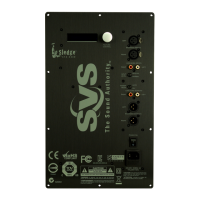
Rear Subwoofer Panel
The rear panel features intuitive control options for adjusting volume, low pass frequency and
phase.
HOME / VOLUME
MOVIE
PRESET
LOW PASS FILTER
OPTIONS
-22
10 050
20 40
200
0
6
4
2
0
-2
-4
-6
-8
-10
-12
PEQ1
ACTIVE
PEQ2
ACTIVE
PEQ3
DISABLED
BOOST: 0 dB
Q FACTOR: 1.2
FREQ: 200
Hz
PARAMETRIC EQ
LINE LEVEL
INPUT OUTPUT
SVS SOUNDPATH WIRELESS
AUDIO ADAPTER
LFE


 To Next Page