English version
15
In order to check whether the settings for your provider have been entered correctly, click “Home”. In the line underneath “Connection Status”, you
can check the “State” of your Internet connection. “Connected” indicates that the connection with your provider has been set up successfully. You
can now surf the Internet.
In the event that your provider has not been listed, you can enter alternative settings via the “Config” option. In order to obtain these alternative
settings, contact your Internet provider. In order to store the settings click “Apply” and then “Save All”. Subsequently, in the next window, click
“Apply” once more.
Wireless settings and security
We always recommend setting the modem with a computer physically connected with the modem by means of a cable. This is because you will lose
the wireless connection with the modem while storing these settings.
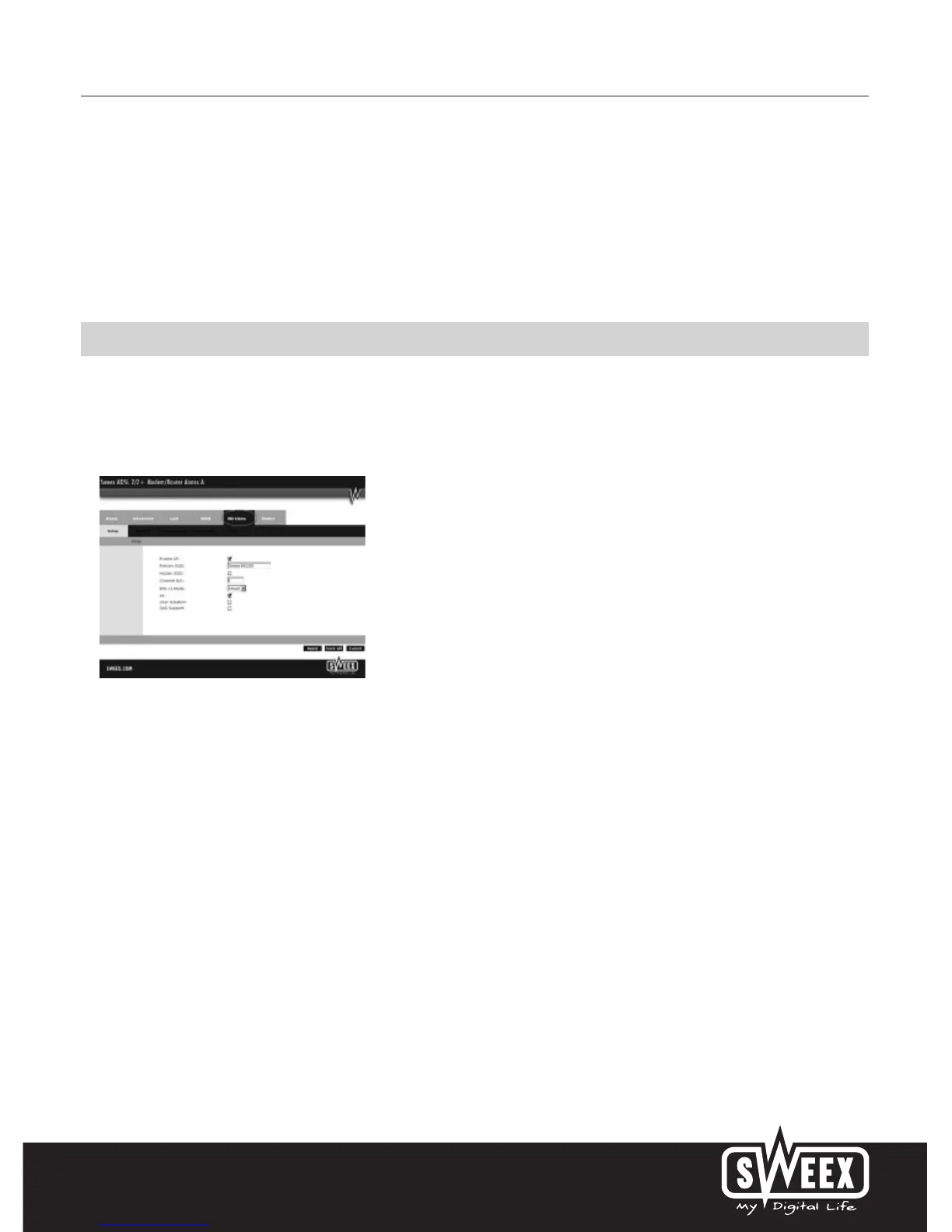
In the main menu click “Advanced” and then “Wireless”.
You can enable or disable the wireless part by means of “Enable AP”. This feature is enabled by default. “AP” (Access Point) refers to the wireless
part of the modem.
The standard SSID is “Sweex MO250”. You can change this under “Primary SSID”. We recommend not changing this so you can always recognise
the modem. Here you can also find other options such as “Channel” and “802.11 Mode”. We again recommend maintaining the default values.



 To Next Page