English version
16
Securing the wireless network
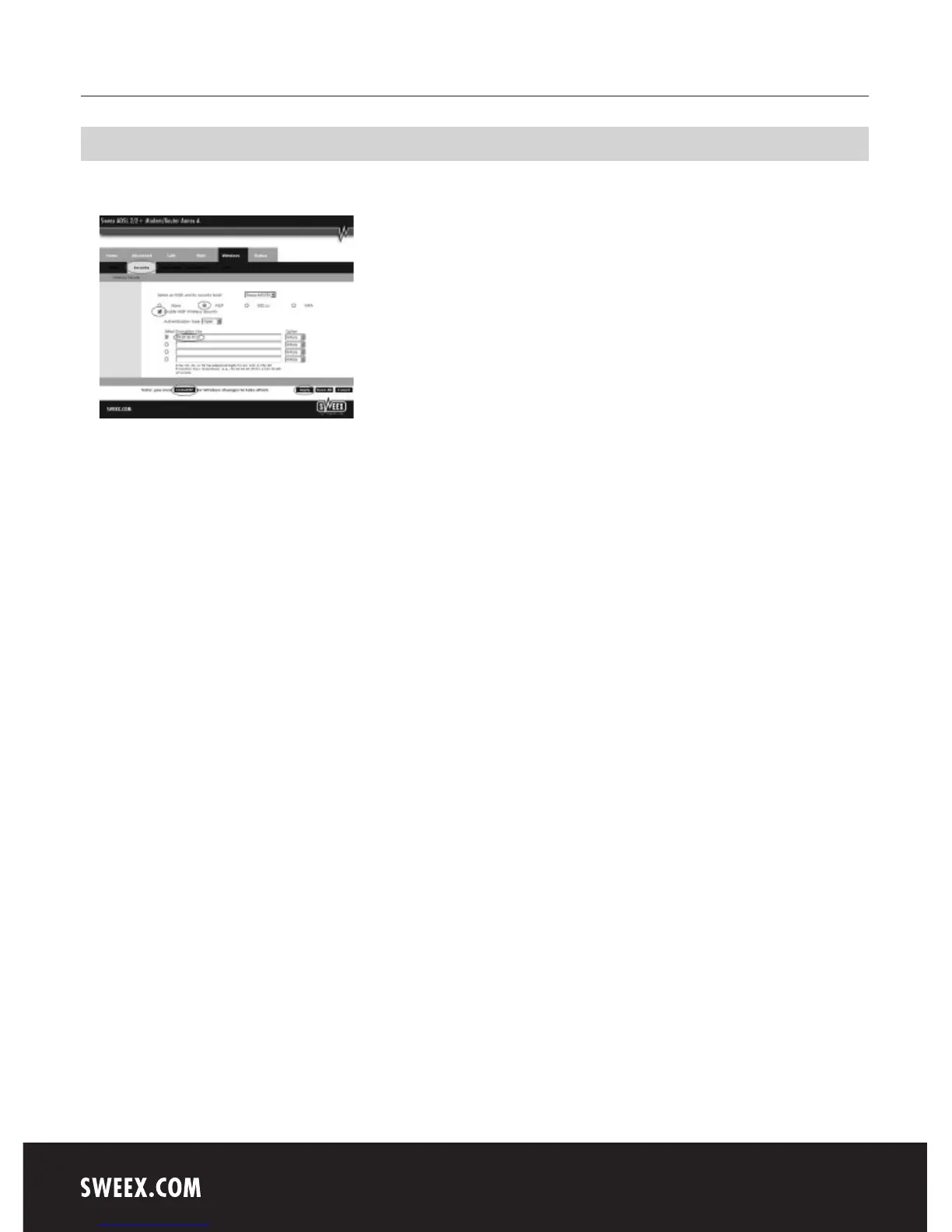
While in the “Wireless” window, click “Security”.
Complete the following steps for setting WEP security:
1. Select WEP
2. Tick “Enable WEP Wireless Security”
3. Under “Select Encryption Key”, enter the network key. Note! Every two characters must be followed by a space (see illustration). In our example
we use network key “10 20 30 40 50”. When using 64-bit encryption you can create your own 10-digit code, 128 bits require 26 digits.
4. Click “Apply” to save the settings.
5. Click “restart AP” to activate the settings.
6. Click “Apply” to restart the modem.
The modem is now secured. Reconnect your wireless computer.



 To Next Page