English version
19
LAN settings
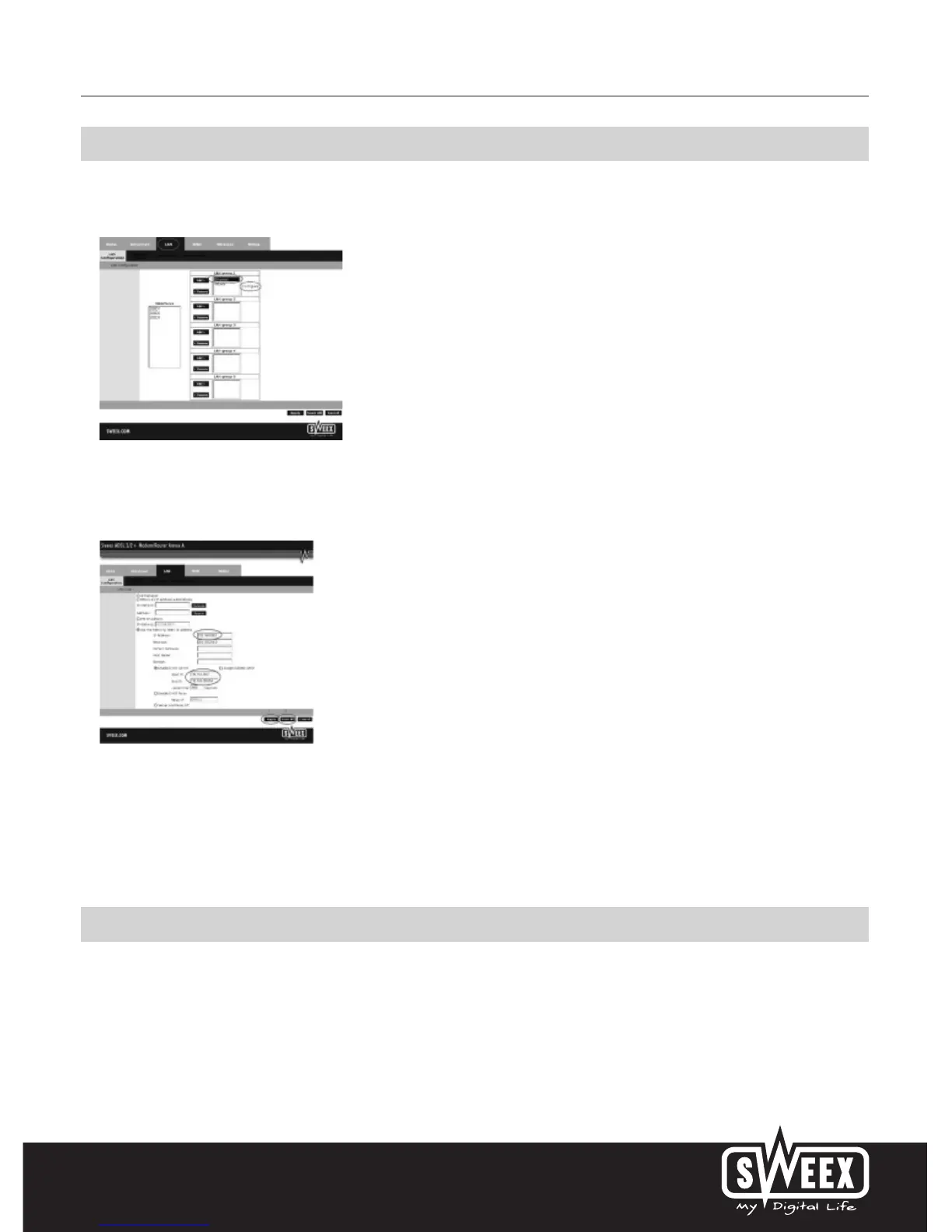
The network settings (LAN) can be changed as follows. In the main window, go to “Advanced”. The option “LAN” is displayed next to it. Select this
option. The following screen appears:
Select “Ethernet” and click “Configure”.
The following screen appears:
Under “IP Address”, the following is stated: the IP address of the modem (192.168.250.1). By changing the number here, the IP address of the
modem changes. Note! When you assign the modem a new IP address, the “Start IP” and “End IP” of the DHCP server must be changed to reflect
that range.
In order to store the settings click “Apply” and then “Save All”. Subsequently, in the next window, click “Apply” once more.
Changing the password (User Management)
The standard login of the Sweex ADSL 2/2+ Modem/Router Annex A can be changed; in the main window select “Tools” and go to “User
Management”.



 To Next Page