English version
11
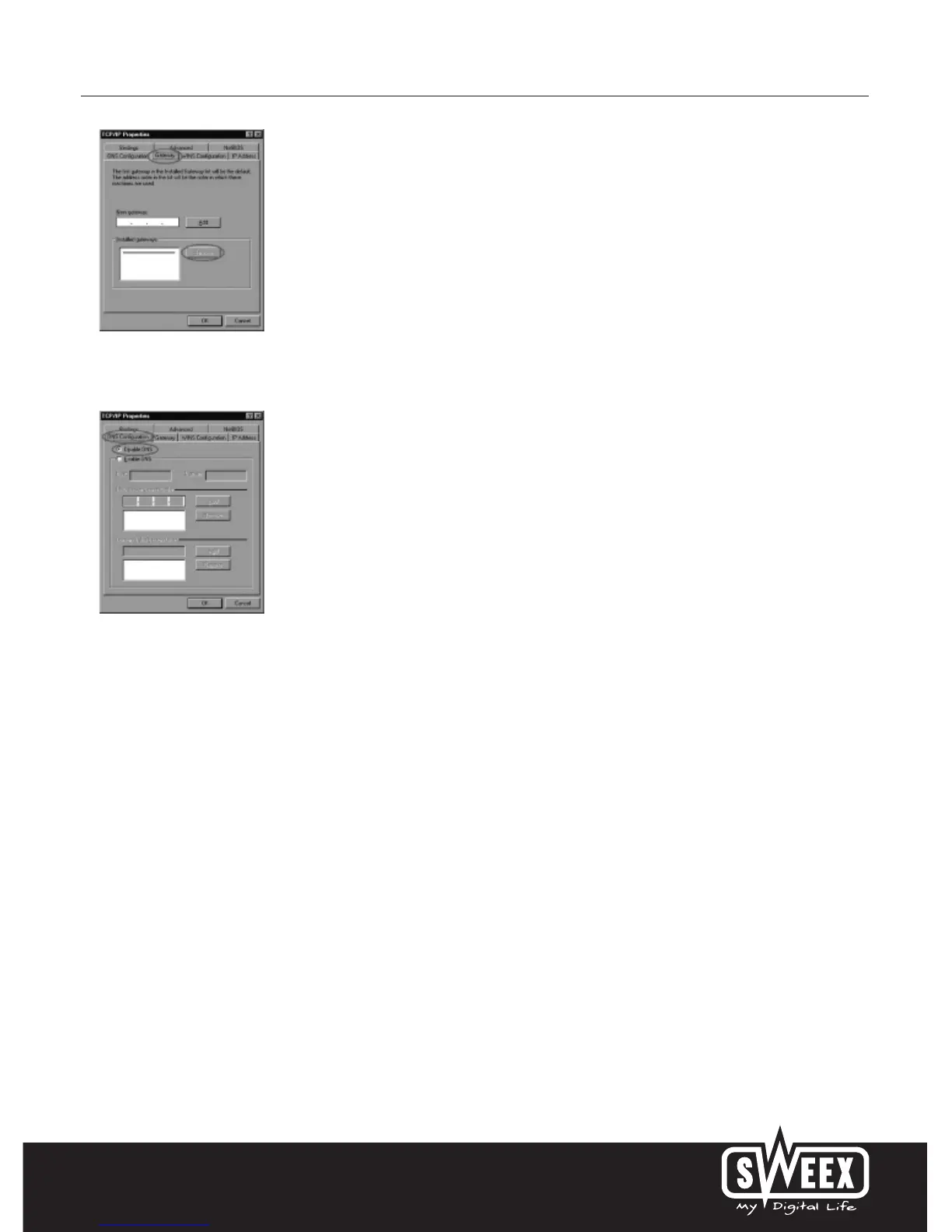
Under the tab “Gateway”, the list of “Installed gateways” (Installed gateways) must be empty. If so required, select each gateway and click
“Remove” (Remove).
Under the tab “DNS Configuration”, select the option “Disable DNS” (Disable DNS). Click “OK” (OK) twice.
The network settings for Windows 98SE have now been configured correctly. The correct settings for the Internet browser will be discussed below.
Internet browser settings for Windows 98SE, 2000 and XP
1. In order to properly access the modem, the browser settings must be correct. This is easy to check by starting up Internet Explorer and selecting
“Tools” (Tools) from the menu bar and then selecting the option “Internet Options” (Internet Options).
2. In this window, go to “Connections” (Connections) and select “Never dial a connection” (Never dial a connection) or remove all connections
listed in the field above.
3. At the bottom, click “LAN Settings” (LAN Settings), remove all ticks and click “OK” (OK).
4. Restart the computer.



 To Next Page