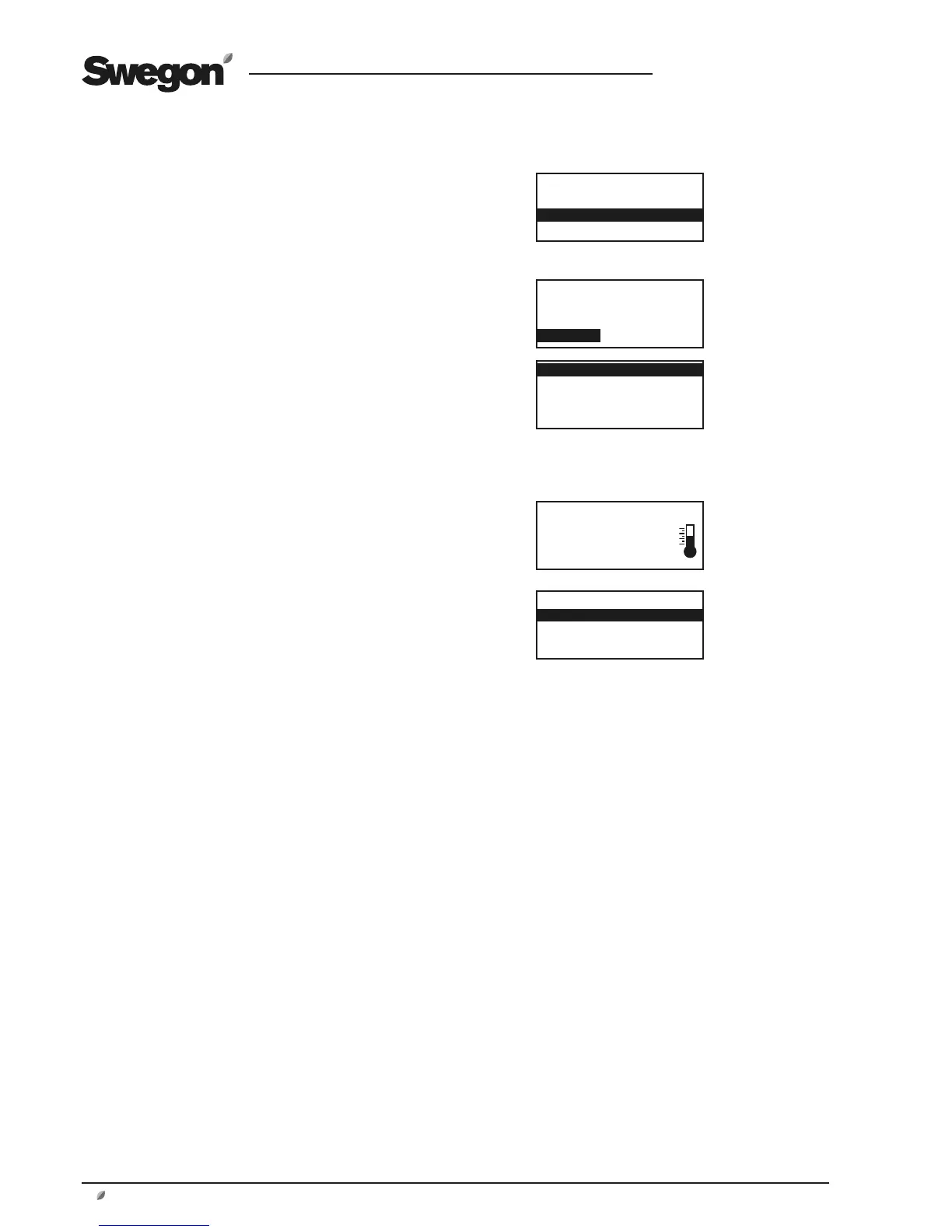
When one of the functions XZONE HEATING or XZONE
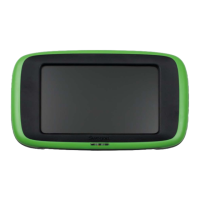
COOLING is activated, a new menu image is displayed in
the hand-held micro terminal: TEMP.CTRL.XZONE, under
INSTALLATION – FUNCTIONS - TEMPERATURE”.
The extra zone has the same settings as the ordinary menu
of the air handling unit for the setting temperature control
modes.
A new menu group XZONE is displayed between TEM-
PERATURE and FLOW/PRESSURE under SETTINGS at user
level. The selected temperature control function setpoint
settings required for for the extra zone can be set there.
*TEMPERATURE*
TEMPERATURE CTRL
TEMP.CTRL. Xzone
OUTD TEMP COMP.
*TEMP.CTRL.XZONE*
ERS CONTROL 1
OTHERS?
ERS CONTROL
SUPPLY AIR CONTROL
EXTRACT AIR CONTROL
XZONE
*XZONE*
READINGS
SETTING





 To Next Page