General information
The TACTouch control panel is designed to control the
TAC5 controller.
The control panel can be used in a household or similar
environments and in slightly industrialized buildings.
Operation of the panel
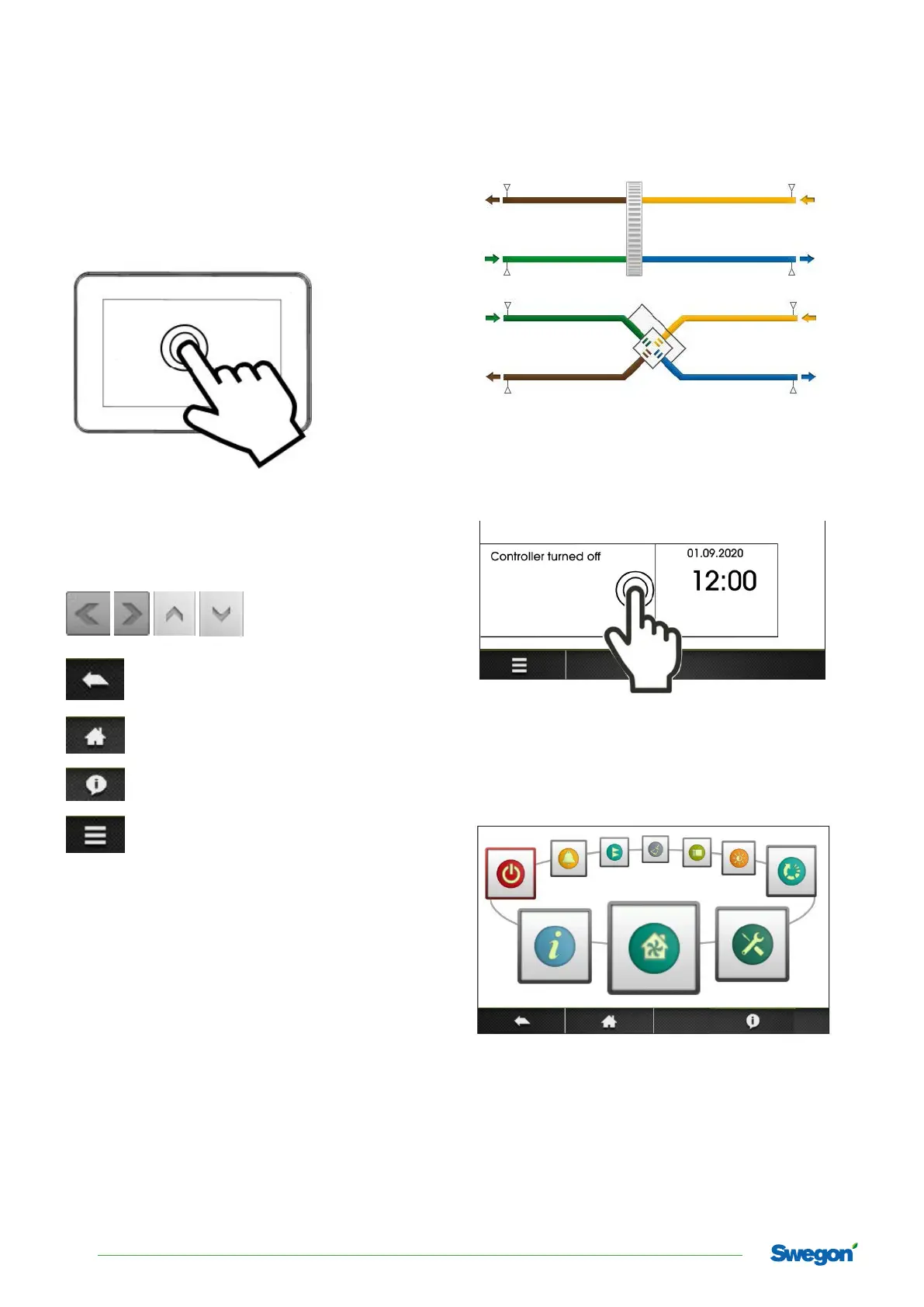
Device is equipped with a touchscreen.
Press corresponding symbols on the screen in order Press
corresponding symbols on the screen in order to select
position from the menu.
Symbols:
- scrolling and setting the
parameters.
- exit a chosen menu position or cancel a
parameter setting.
- quick return back to the main screen.
- menu information concerning the selected
menu position.
- enter to the main menu.
Main screen.
Main screen
If the heat exchanger is working, main screen shows
schematics with most important values like: temperatures,
speed of fans, date, actual time etc.
To start the controller, press anywhere on the screen with
the words ”Controller turned off”, then appears the mes-
sage ’’Active controller?”. Confirm the message.
Main menu.
Main menu
After pressing menu button panel shows the rotary menu.
4
Swegon reserves the right to alter specications.



 To Next Page