22 ©2021 SwellPro Technology Co., Limited
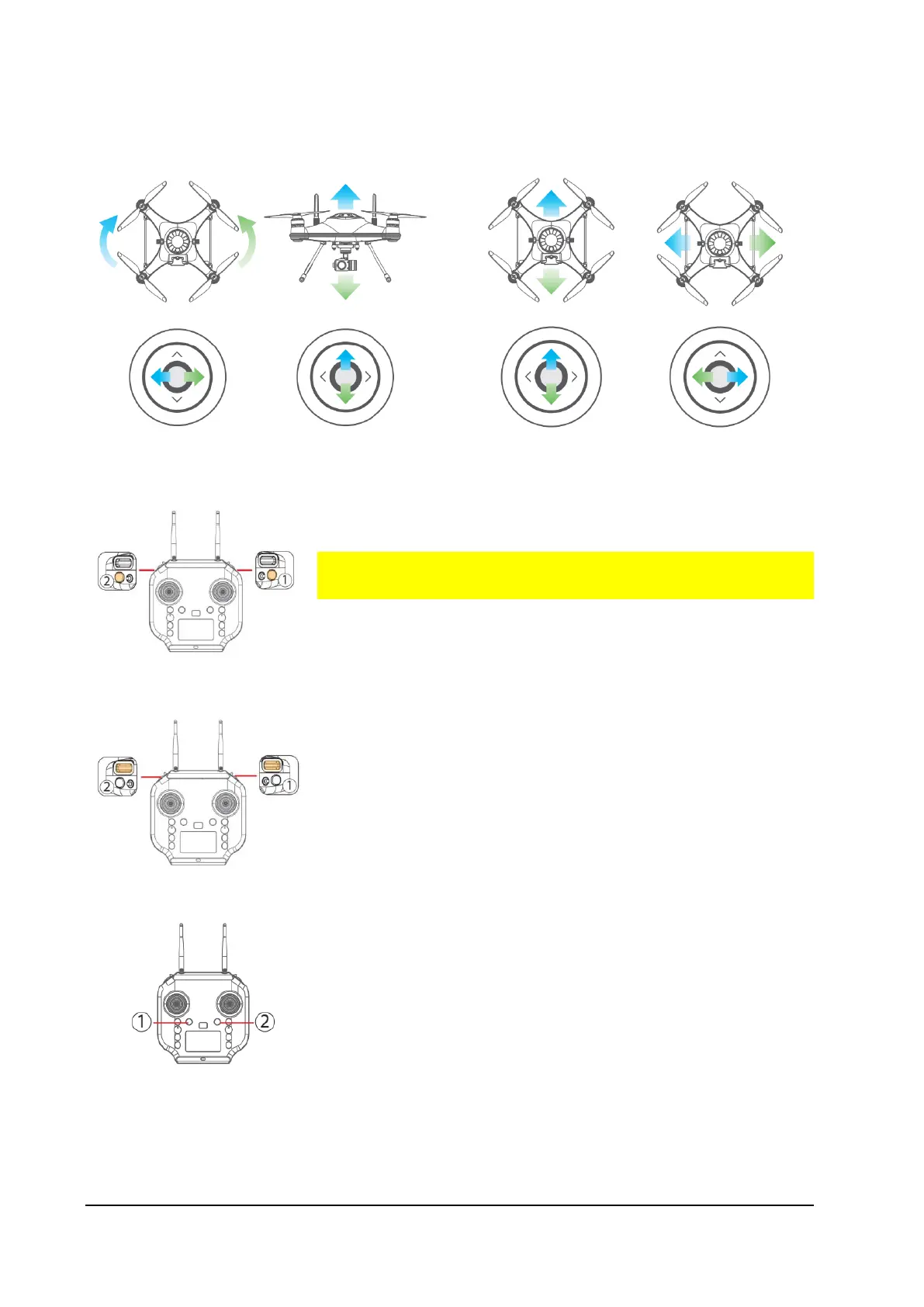
Video: Press the video button once to start video recording.
Press again to stop video recording and save the video file.
It is important to stop video recording before powering
off the drone.
Photo: Press the photo button to capture photos.
Tilt Control Roller①: Control the tilt angle of the gimbal.
Pan Control Roller②: Control the direction of the gimbal.
Start Follow Me: Check that the remote controller has a
GPS lock by checking the GPS status indicator on the
screen. Press and hold the Follow Me button ①. The
remote controller will beep twice.
Stop Follow Me: Short press the "FOLLOW ME" button, the
remote controller will beep once.



 To Next Page