34 ©2021 SwellPro Technology Co., Limited
• When the boat is rocking, the drone may not arm its motors in GPS mode. In this
case, carefully take-off in ATTI mode and then switch to GPS mode if the satellite
signal is back to.
• Always be aware of the direction of the wind relative to the boat for take-off and
landing.
• The Smooth+ controls are useful to finely control and balance the drone position
during this operation.
• For your safety, it is not recommended to launch or land the SplashDrone 4 from
your hands.
Power Flip
If the drone becomes inverted on the water, the Power-Flip feature enables the drone to
flip back to its upright position.
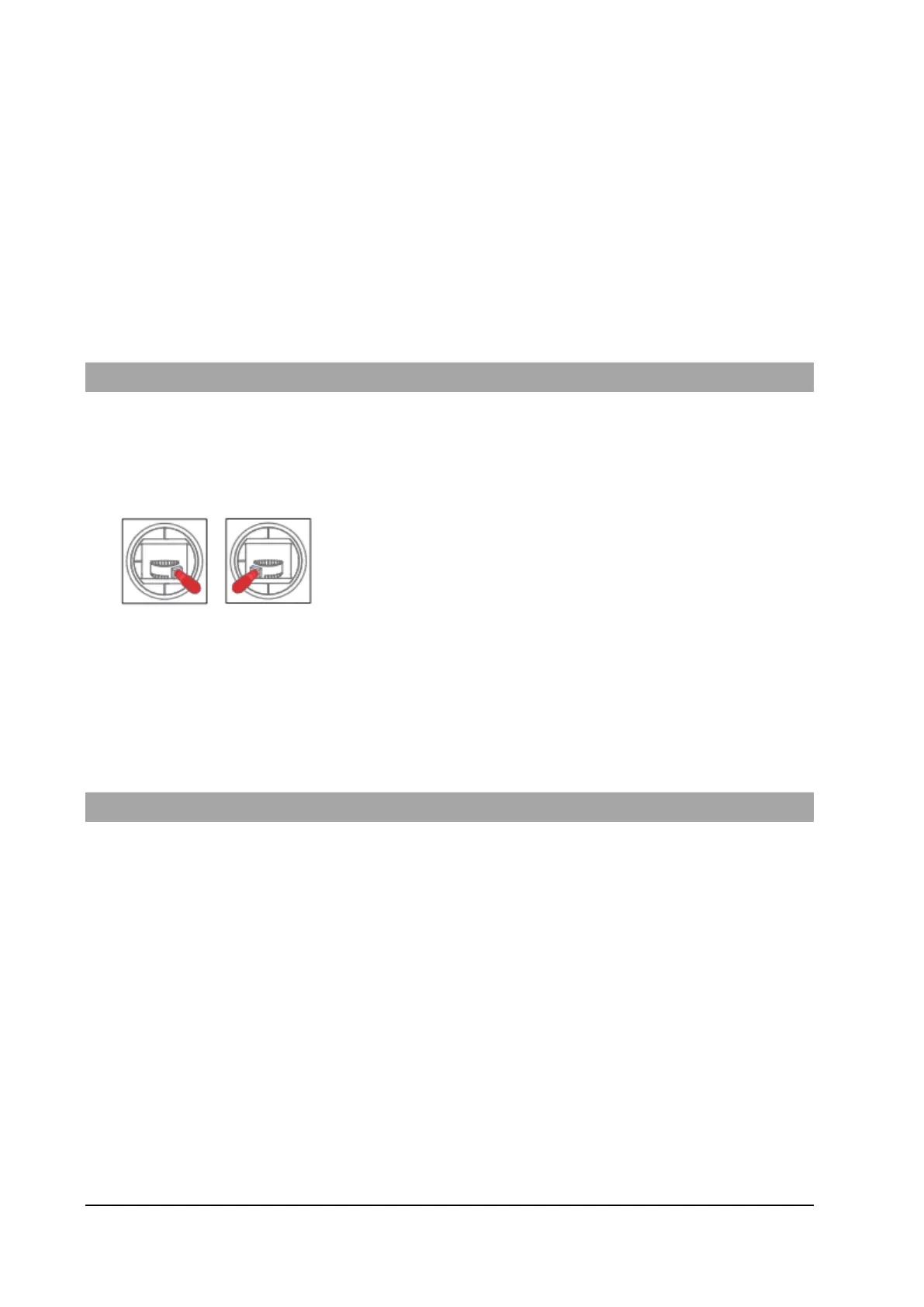
When the drone floating upside-down on the water, pull
both the left and right joysticks simultaneously down
and inwards and maintain it for 3 seconds. The drone
will flip itself automatically to its upright position.
When the drone floating upside-down on the water, pull both the left and right joysticks
simultaneously down and inwards and maintain it for 3 seconds. The drone will flip
itself automatically to its upright position.
Flight Modes
There are 7 flight modes to configure on the SplashDrone 4 to accommodate the
different flight preferences and needs. They are GPS mode, ATTI mode, Sport mode,
Orbit mode, Cruise mode, Headless mode, Manual+ mode, and Boat mode.
For GPS mode and ATTI mode:
GPS mode and ATTI mode can be set by simply switch the flight mode toggle on the
remote controller.
For Sport mode, Orbit mode, Cruise mode, Headless mode, Manual+ mode, and Boat
mode:
Switch the flight mode toggle to Custom mode, then turn to the SDFly app and set the
flight mode among these 5 modes on the app flight mode section.



 To Next Page