©2021 SwellPro Technology
Co., Limited 39
During the return home process, the left and right joysticks of the remote controller can
be controlled to avoid obstacles or change the landing location. When you stop
controlling the joysticks, the aircraft will continue the RTH process. During the RTH
process, the Flight Mode toggle is disabled, but the control of attached accessories
such as the gimbal camera or payload release module still functions normally.
Low Battery Auto Return to Home
Low battery auto Return-to-Home can be turned on or off through the app on your
preference. By default, low battery auto Return-to-Home is on.
Low battery auto Return-to-Home will be available later in 2021.
Low battery auto RTH will initiate when the drone intelligent battery reaches Level 1 low
battery warning.
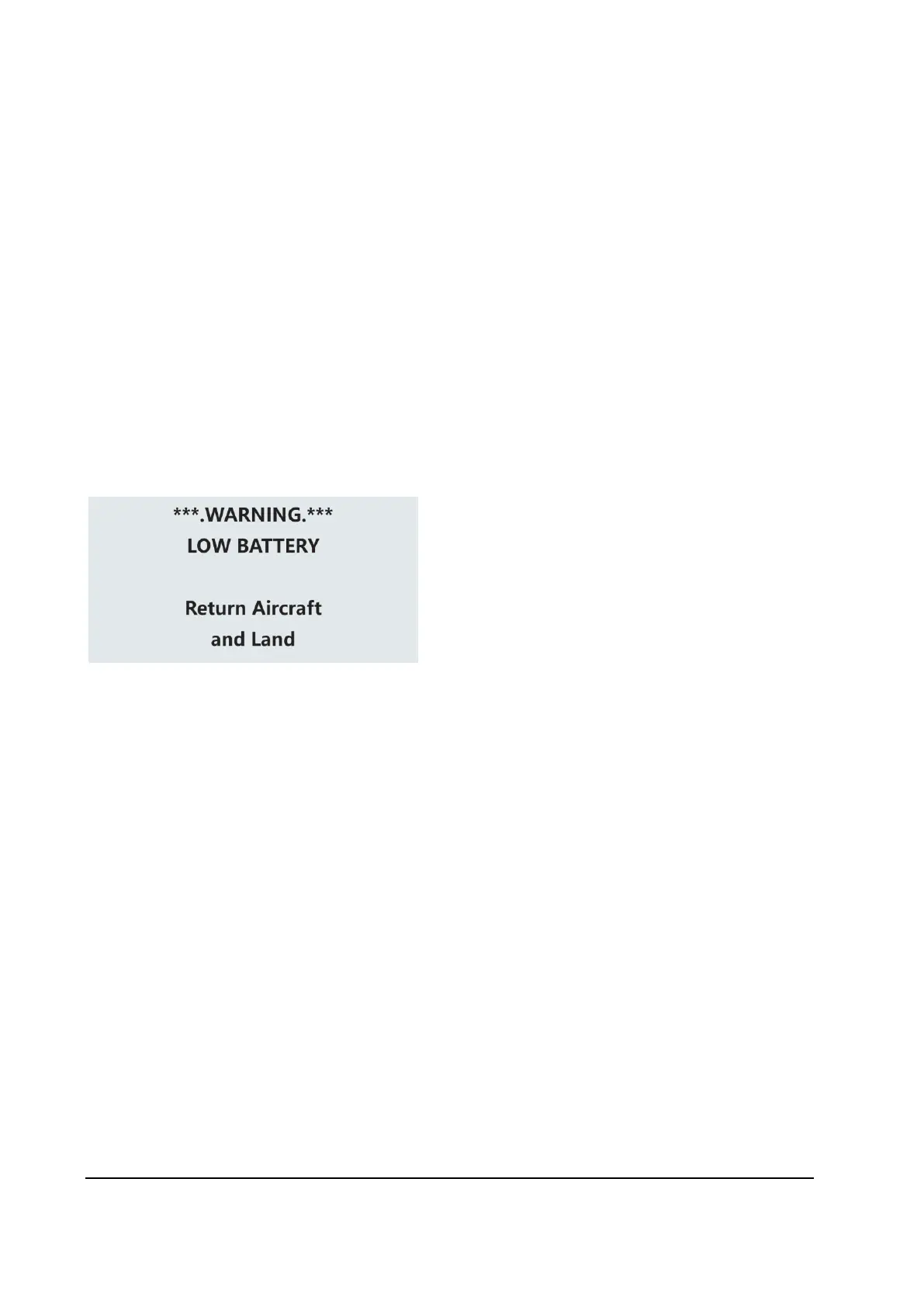
Level 1 alarm:
The drone battery level has
reached 13.0 V. The remote controller
screen will prompt “LOW BATTERY; Return
Aircraft and Land”. The front drone status
indicators will flash a pattern of 3 red
lights. If low battery auto Return-to-Home
is turned on, the drone is going to auto
RTH after this low battery warning.
Low Battery Auto Payload Release
Low battery auto payload release is used to increase the RTH possibility when the
drone is attached to a heavy load. Low battery auto payload release can be turned on or
off through the app on your preference. By default, the low battery auto payload release
is off.
When it is on, the low battery auto payload release will be initiate when the drone reach
level 1 low battery warning. On level 1 low battery warning, the drone will automatically
release the payload then initiate low battery auto Return-to-Home process.
Low battery auto payload release will be available later in 2021.



 To Next Page