Answering a call
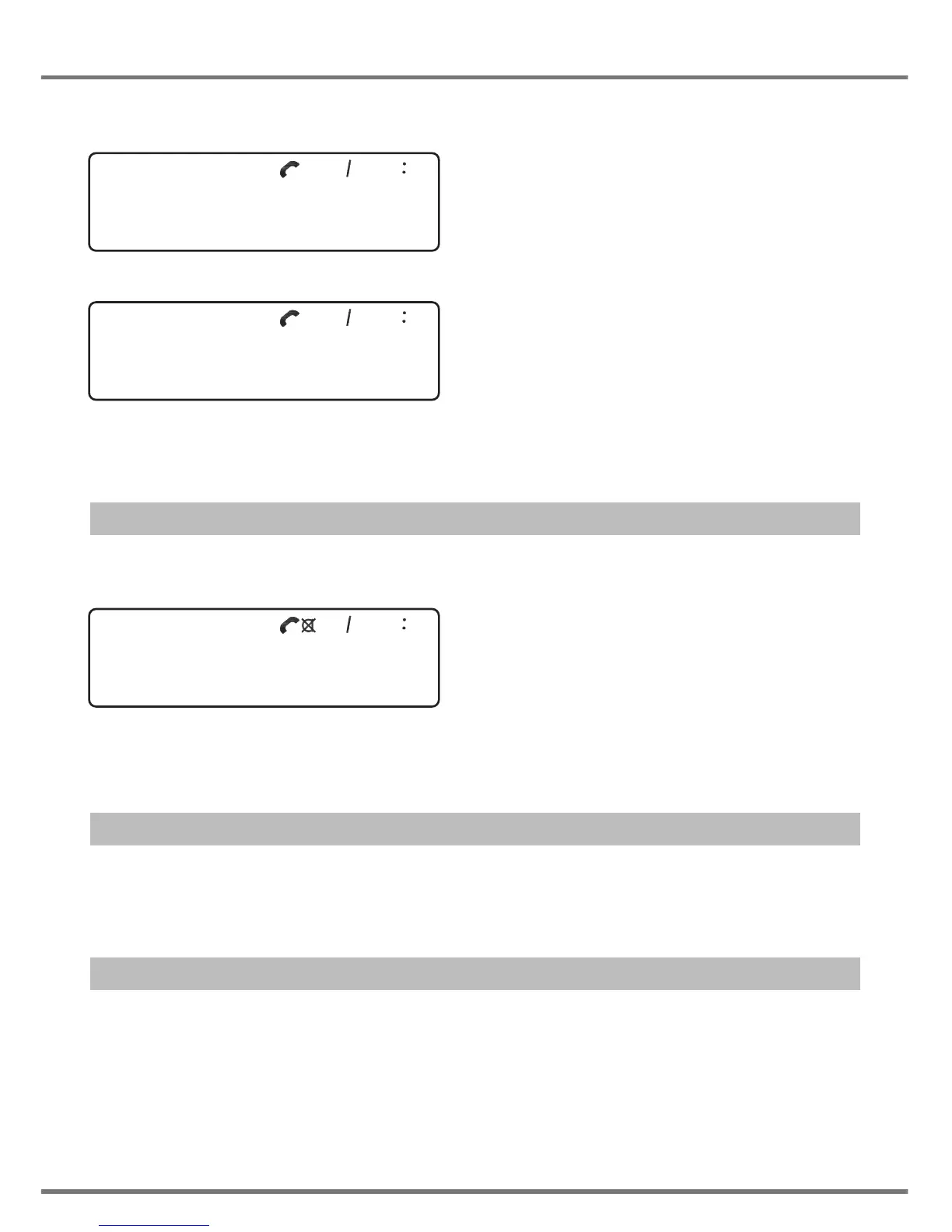
To answer an incoming call, pick up the handset. During talking mode, the following will be displayed:
If the name/number is available, it will be shown in the lower line. The name has priority.
During a call the handset icon is turned on. The time counter starts after 8s. The caller’s number will dis-
appear after approx. 8s.
Microphone mute
While in talking mode, press the Mute key once, then the microphone will be muted. The following will
be displayed:
The Mute icon is turned on.
To release the mute function, press the Mute key again.
”Register recall” / flash signal
During talking mode, press the Recall (Flash) key. The unit will send a flash signal to the network. The
default time is 100ms.
Pause
To insert a pause, press the Pause (Redial) key while typing a number. This function can be used in
dialling and storing mode. The default time for the pause is 2s. During the pause, the unit remains in the
mute state.
8
USING THE PHONE
31 01 12 28
00-13
Swisscom
31 01 12 28
<Caller number> 00-13
Swisscom
31 01 12 28
00-13
<Caller number>


 To Next Page