Language setting
- Press the Menu key while in idle mode
- Select Sprache with the up/down key and press OK
- Select the desired language and press OK
How to use this phone
Your telephone can be operated via a menu. The menu gives you access to the setting procedures and
the telephone functions. Certain menu items open a sub-menu after being selected. The menu is con-
trolled by using the navigation keys.
The timeout is 20s while in the menu-setting mode. The time starts to be counted once the last key has
been pressed. After timeout the unit will return to idle mode without saving any data.
While in menu mode, press the ESC key once for the unit to exit the current setting mode.
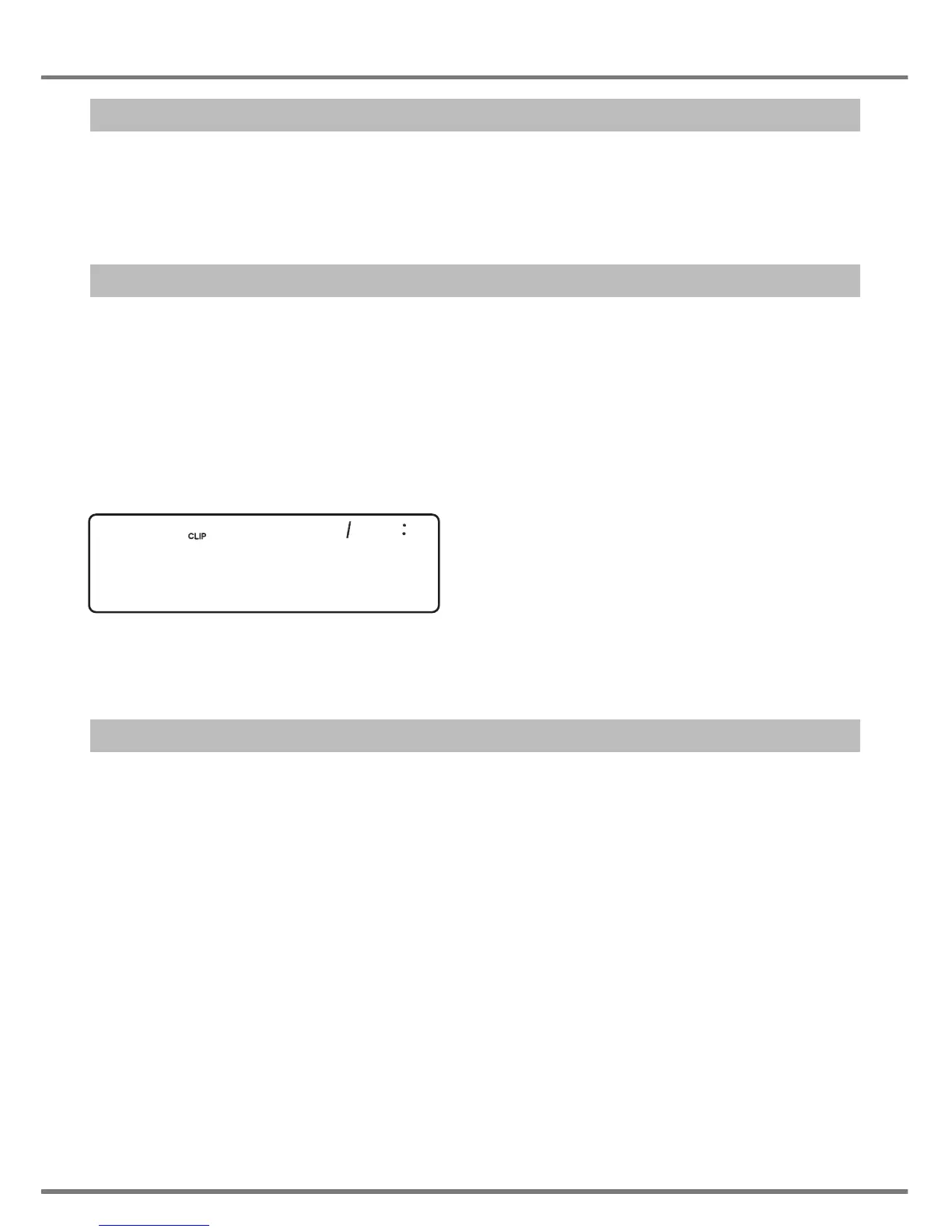
Idle mode:
CLIP10: There have been 10 new calls.
External call
Dialling a number
Off-hook dialling:
- Lift the handset
- Dial the number that you want using the keypad (1~0, *, #)
On-hook dialling:
- Dial the number that you want using the keypad (1~0, *, #)
- Lift the handset
- The number will be dialled after approx. 2s.
Note: Using the Pause/Redial key, a pause can be added after any dialled digit while the handset is
on hook (e.g. for PABX access or to control external functions).
7
USING THE PHONE
10 31 01 12 28


 To Next Page