26
V1.97
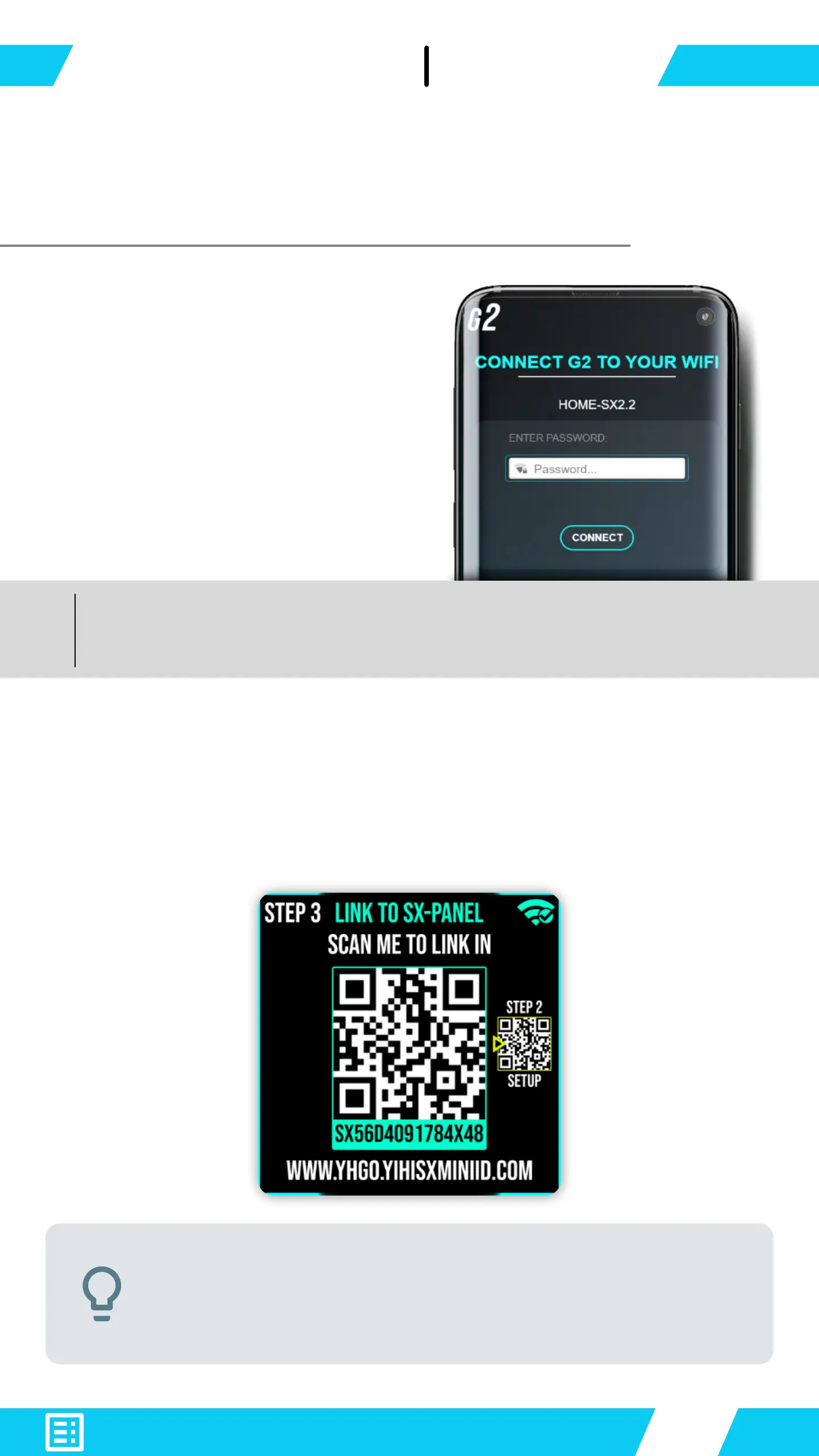
Enter your router or hotspot
password when asked.
A new QR code appears on your G2 device.
With your Smartphone - scan the QR-Code shown on G2
to link into the online
Success! G2 gained internet access
your phone from G2’s WiFi access point
Initial WiFi setup is needed only once.
Next time you enable WiFi starts from step 3


 To Next Page