28
V1.97
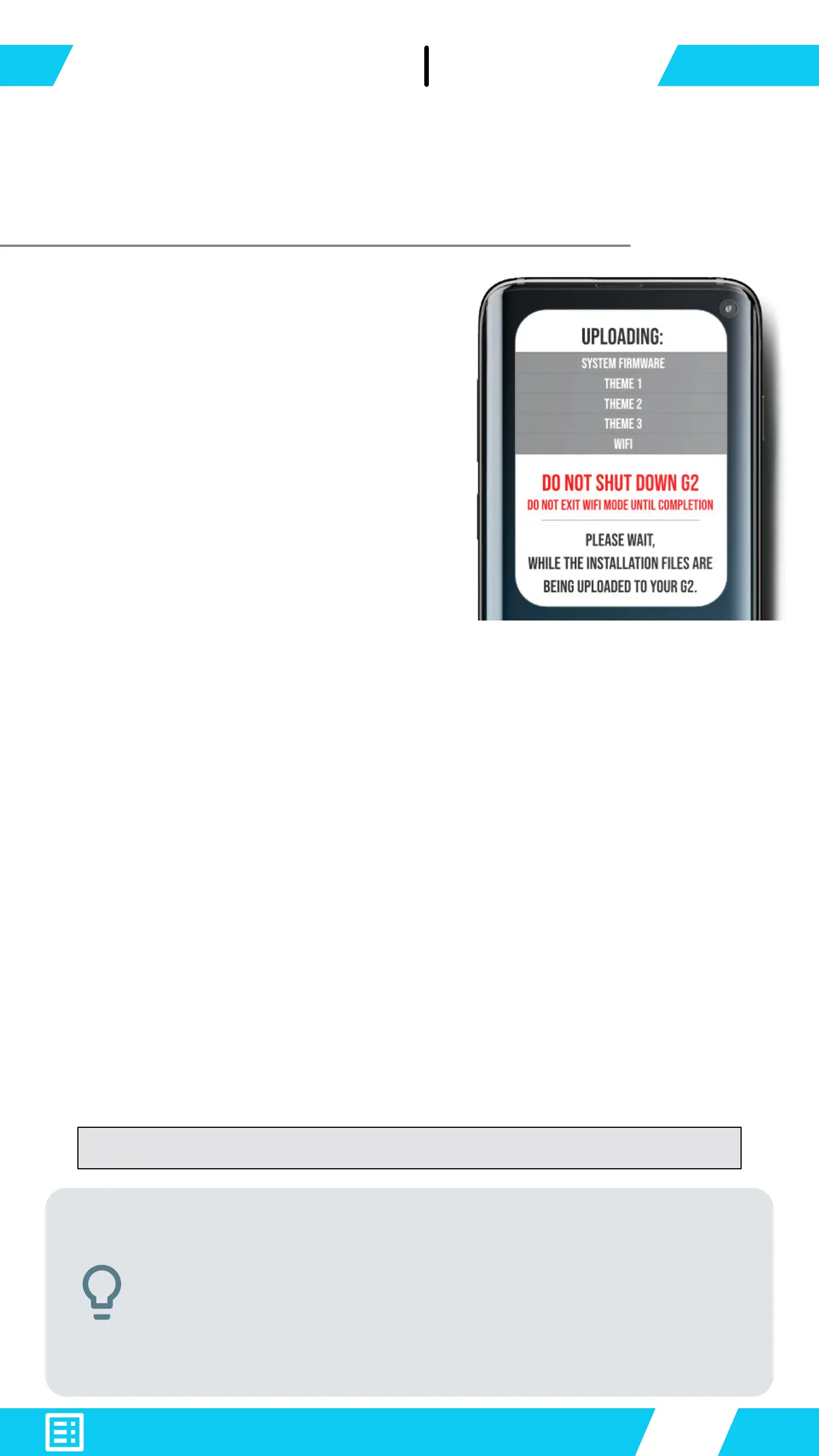
Interruptions to the installation
process would corrupt your
system rmware. And will
require re-installation.
Enable WiFi on G2
Scan the green QR code to load .
Press the "Update All" button to re-install the update
les.
The system rmware update could include a WiFi module
update from time to time. WiFi module update consists of
a 2 part installation as follows:
▪ Installation of WiFi update Part 1.
▪ G2 auto reboots.
▪ G2 automatically opens WiFi to complete WiFi
installation Part 2.
Allow the device to complete all steps uninterrupted.
G2 is congured to have a safe boot into WiFi
module page if the system rmware is corrupt.
Remove batteries, quickly attach & remove a
USB-Cable from the charge port x 4 times
To enter WiFi Module Safe Mode


 To Next Page