Using Your Digital Picture Frame
On The Remote Control
Browsing Images
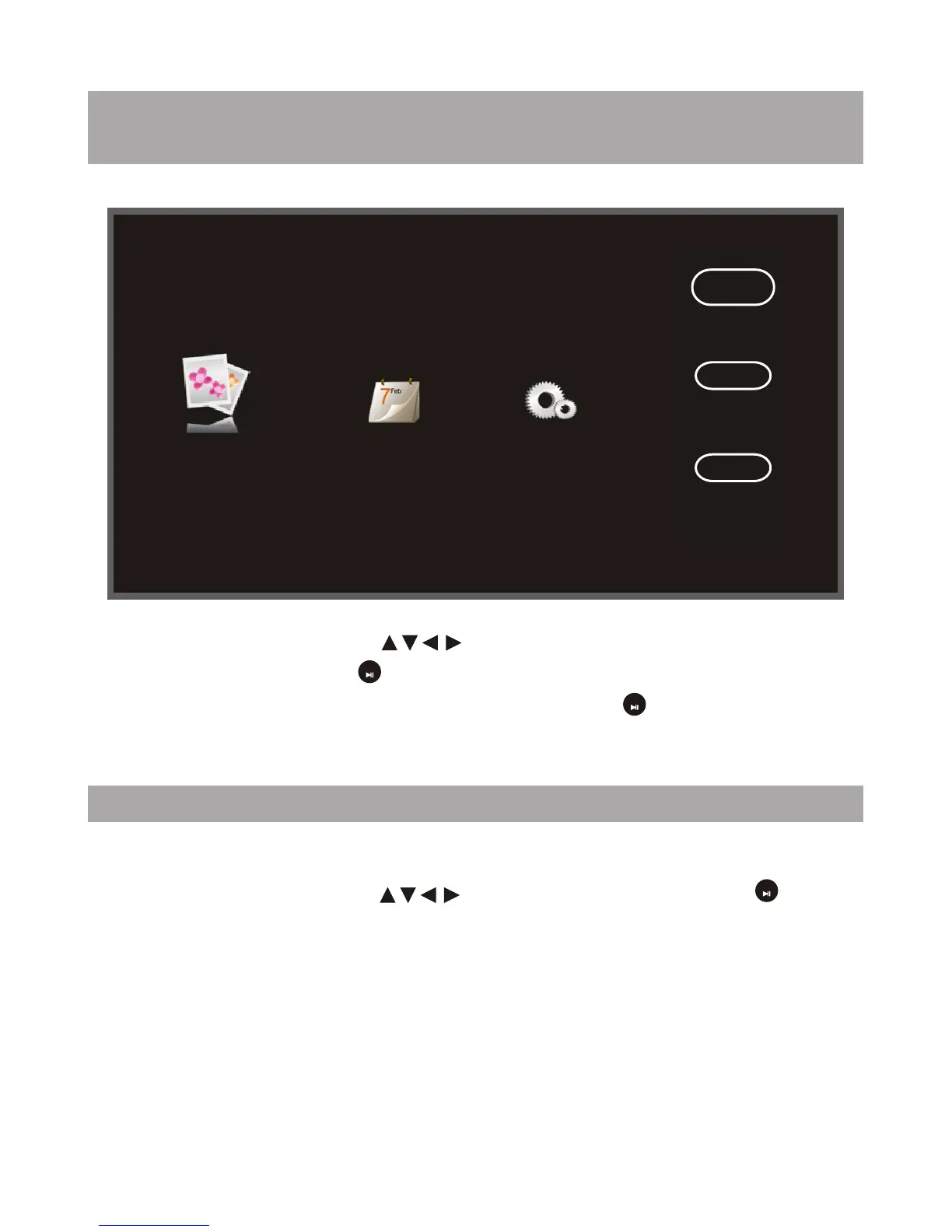
Calendar
Setting
Photo
USB
CARD
Storage
Using the directional arrows " ", highlight the desired SD/MMC/MS-
USB media device. press " " button to select one device, then you can
enter into Photo/Calender/Setting interface by press " " button.
OK
OK
When displaying the pictures, you can press "Esc" button to return to
thumbnail. And you can use " " to select the picture, press " " button
to browse the picture, you have selected.
OK
7


 To Next Page