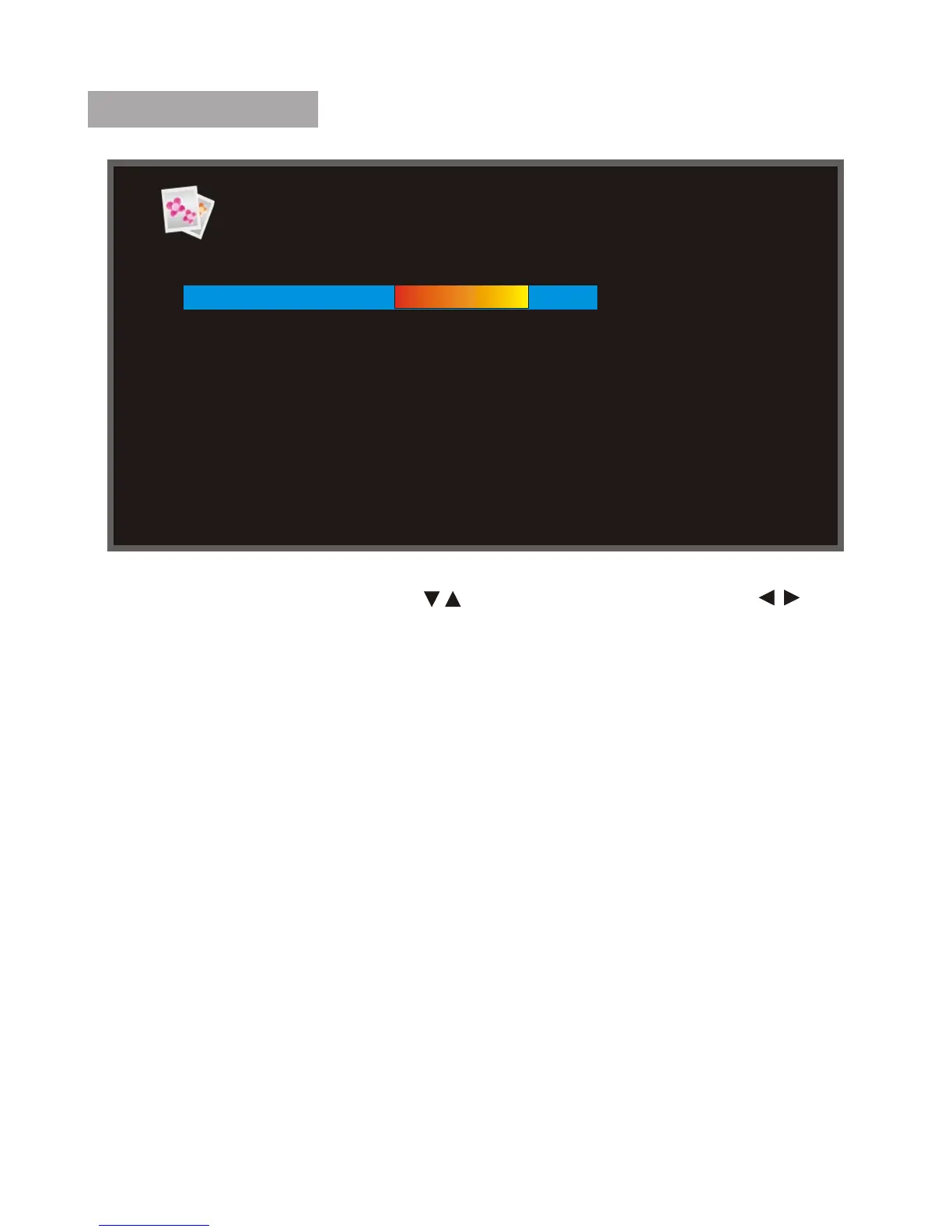
PHOTO SETUP
In the Photo Setup menu, press " " to highlight the item. Press " " to
change the settings. Press ESC to return the Setup menu.
Display Mode: Select image display mode (Slideshow, Thumbnail, Browse
Mode).
Display Ratio: Select image display size (Fit to Screen, Crop to Fill, Full
Screen).
Slideshow Duration: Select the duration of time (5Sec, 15Sec, 30Sec,
60Sec, 5Min, 15Min).
Slideshow Repeat : Select the manner of repeating photos (Once, Repeat).
Slideshow effect: Adjust the transition effect between eachimage in a
slideshow. Optional effect includes Random / S-curve / Partition / Erase /
Blinds / Random lines / Grid / Gross / Rect / Spiral / Close.
Photo From: select the resource of the Photo (All Dir/Current Dir).
Photo play sequence: Random/sequence.
Display Mode Slideshow
Display Ratio Crop to fill
Slideshow Duration 5Sec
Slideshow Repeat Repeat
Slideshow Effect Random
PhotoFrom All Dir
Photo Play Sequence Random
Photo Setup
9



 To Next Page