ESC
OK
ZOOM
SETUP
ROTATE
6
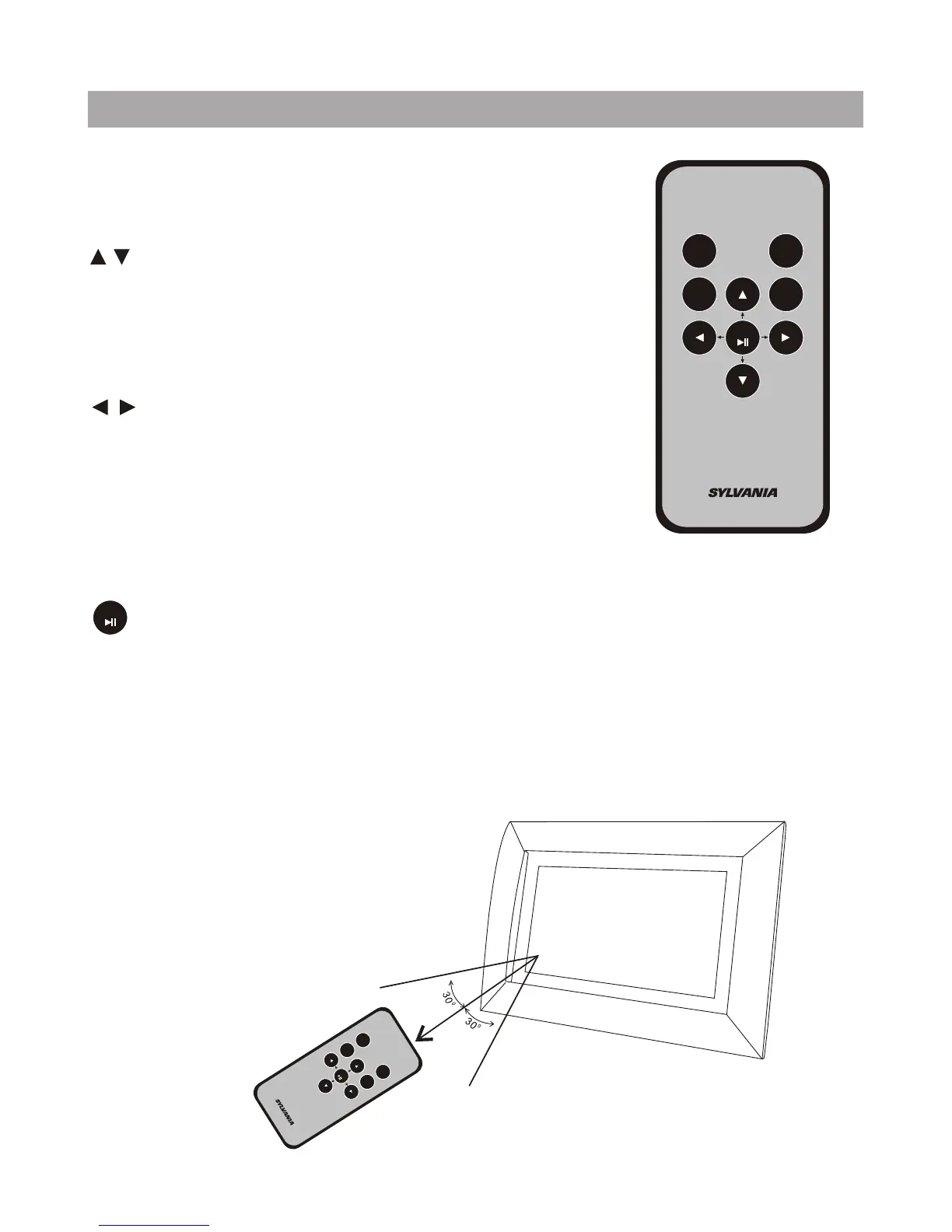
Using Your Remote Control
Button Description and Function:
Setup: To enter into setup menu
:
:
Esc: Return to the previous step.
: To confirm and play/pause.
ZOOM: when the picture is displaying, press "zoom" to zoom out the picture to
125%, 150%, 175%, 200%, 225%, 250%.
ROTATE: when displaying pictures, press it to rotate the picture to 90°, 180°,
270°, 0°.
Use this button to move cursor up and
down when at setting menu, and at main
menu, you can use this button to select
media device.
Use this button to move cursor left and
right when at setting menu and main menu.
when playing JPEG files, press it to play
prev/next JPEG file.
OK
E
S
C
O
K
SET
U
P
Z
O
OM
R
O
T
A
T
E



 To Next Page