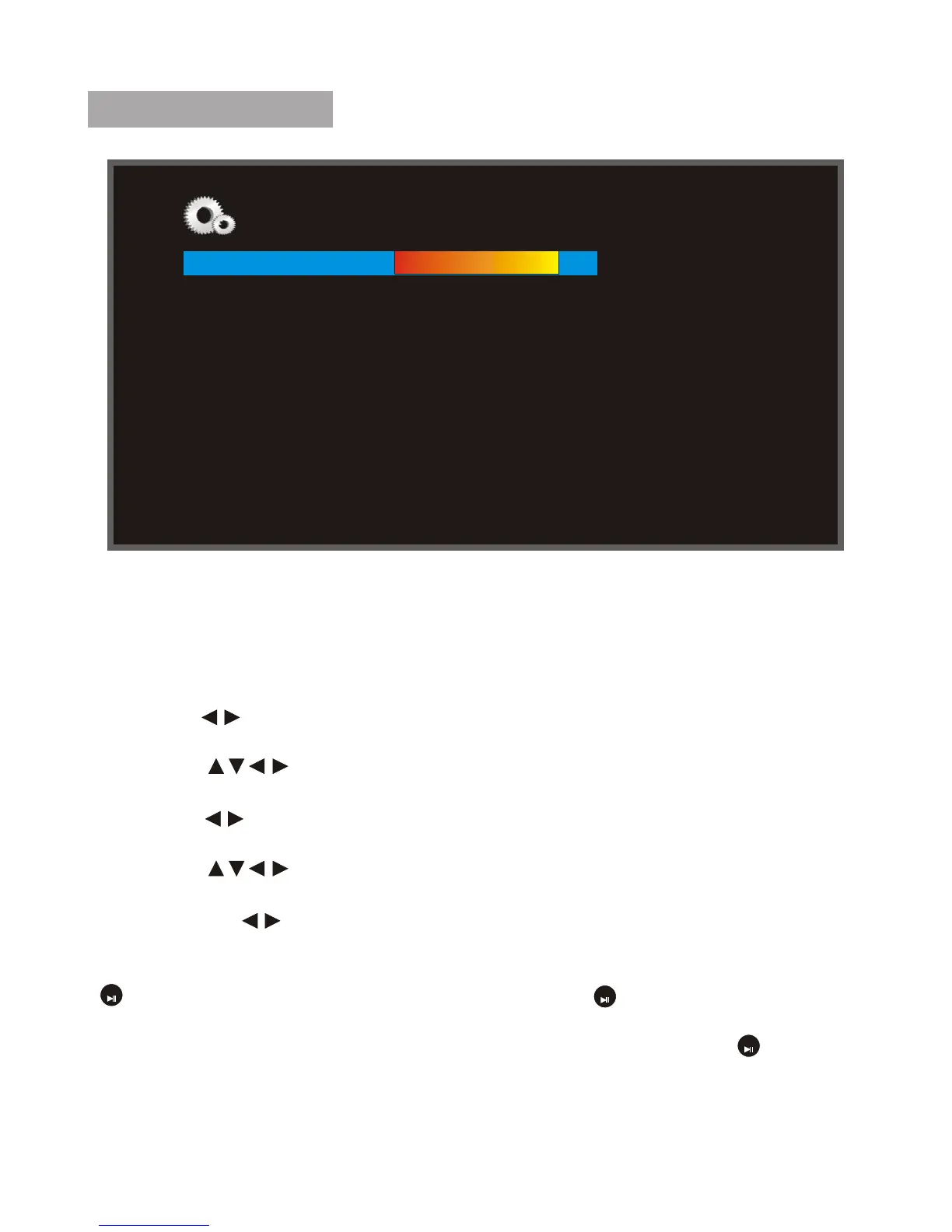
System Setup
Language : Select the on screen display language English, French , Spanish.
Brightness :Adjust screen brightness(between 1~16).
Contrast : Adjust screen contrast(between 1~16).
Saturation : Adjust screen saturation (between 1~16).
Auto Power On : When the cursor position moving to the Icon, using the
directional " " to select the unit auto Power on mode(on/off).
Auto Power-Up Time : When the cursor position moving to the Icon, using the
directional " " to select the unit auto Power on time.
Auto Power Off : When the cursor position moving to the Icon, using the
directional " " to select the unit auto Power off mode(on/off).
Auto Shut Time : When the cursor position moving to the Icon, using the
directional " " to select the unit auto Power off time.
Auto-Power Frequency : When the cursor position moving to the Icon, using
the directional " " to select the unit Auto-Power Frequency mode (Everyday
/weekday/Weekend/Once).
Reset default setting : When the cursor position moving to the Icon, pressing
" " to show the dialog,and select "YES", press " " to revert to the factory
settings.
Version : When the cursor position moving to the Icon, pressing" " to show
the dialog of the software version number.
System upgrade: using it to upgrand the system.
System Setup
Language English
Brightness(1-16)
Contrast (1-16)
Saturation (1-16)
Auto Power On
Auto Power-Up Time
Auto Power Off
Auto Shutdown Time
Auto-Power Frequency
Factory Reset Mode
Version
System upgrade
OK
OK
OK
11
5
8
8
off
09:00AM
off
05:00PM
Weekday
...…
...…
...…



 To Next Page