Calendar Setup
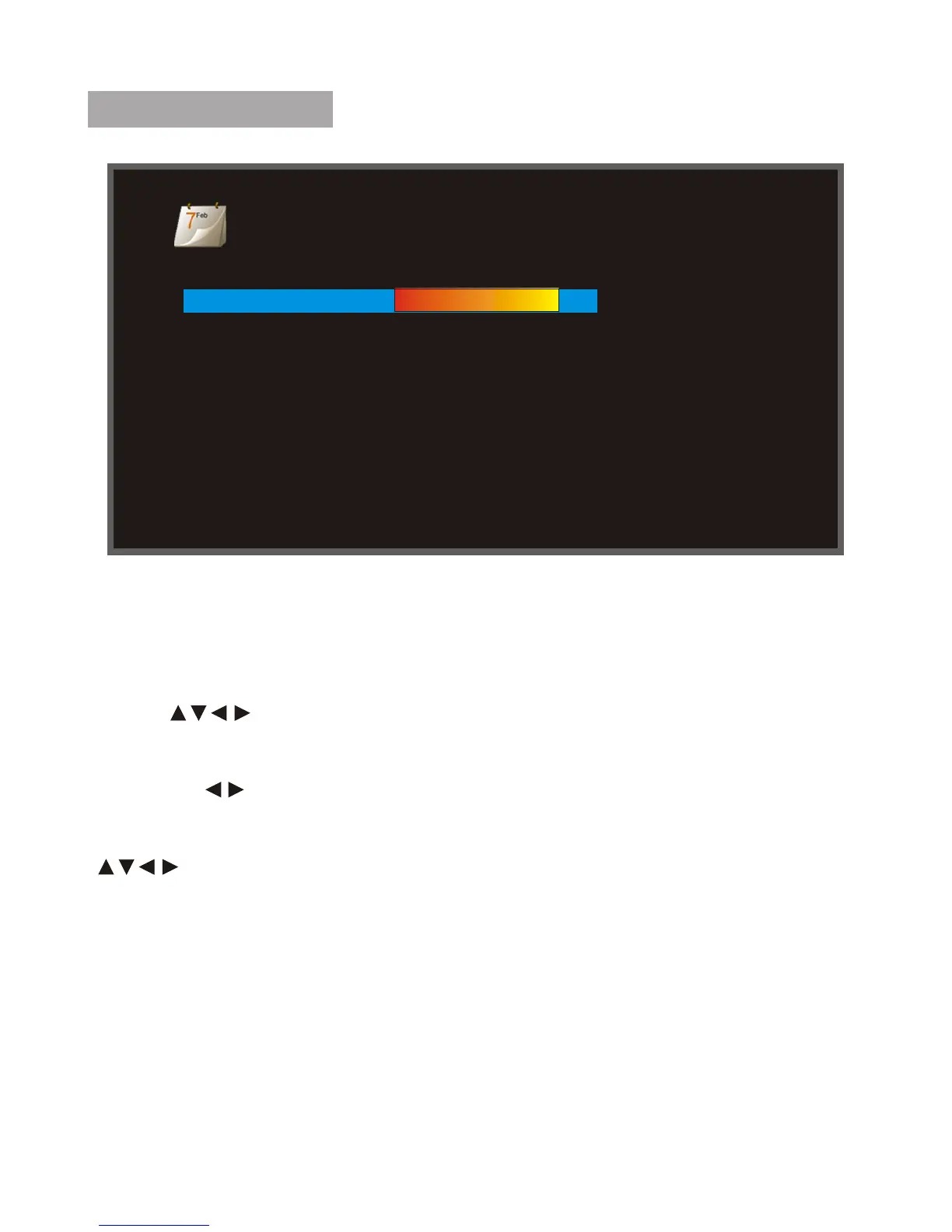
Calendar Setup
Display Mode Monthly Calendar
Date 01-01-2016
Clock Mode 12-hour
Clock Time 12:21AM
Display Mode : Select calendar display mode ( Monthly calendar/Calendar/
Clock)
Date : When the cursor position moving to the Icon,using the directional
arrows " " to adjust the date.
Clock Mode : When the cursor position moving to the Icon, using the
directional " " to adjust the Clock Mode(24hr,12hr).
Clock : When the cursor position moving to the Icon,using the directional
" " to adjust the time.
10



 To Next Page