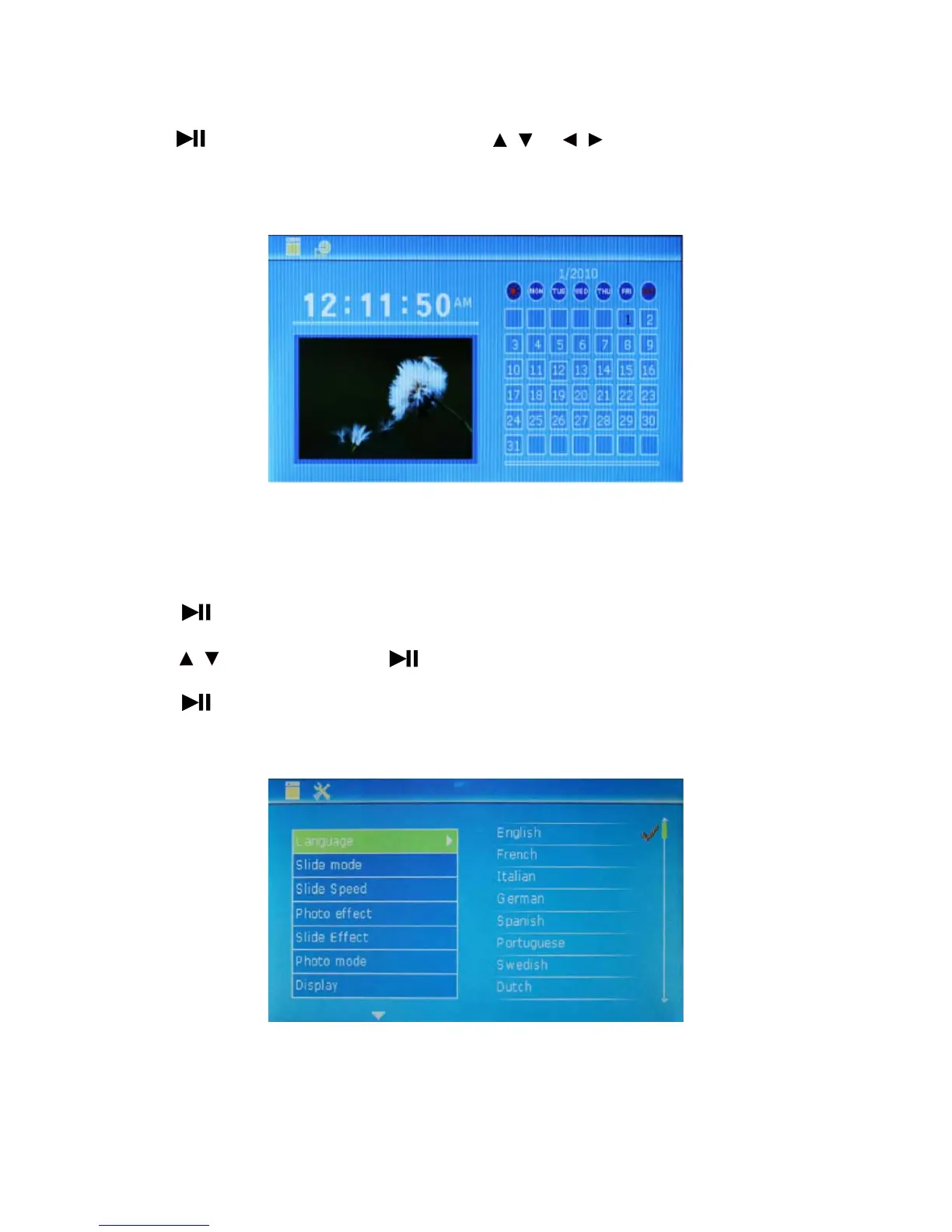
* Press to enter calendar time display. Press the key or to view the information of
previous and future calendar.
4.6 SETUP interface
1. Press to enter menu setup.
2. Press to select setup item; press to set sub-items of selected item.
3. Press to save corresponding content after setup.
4. Press Menu to exit SETUP mode.
10
/
/
/



 To Next Page