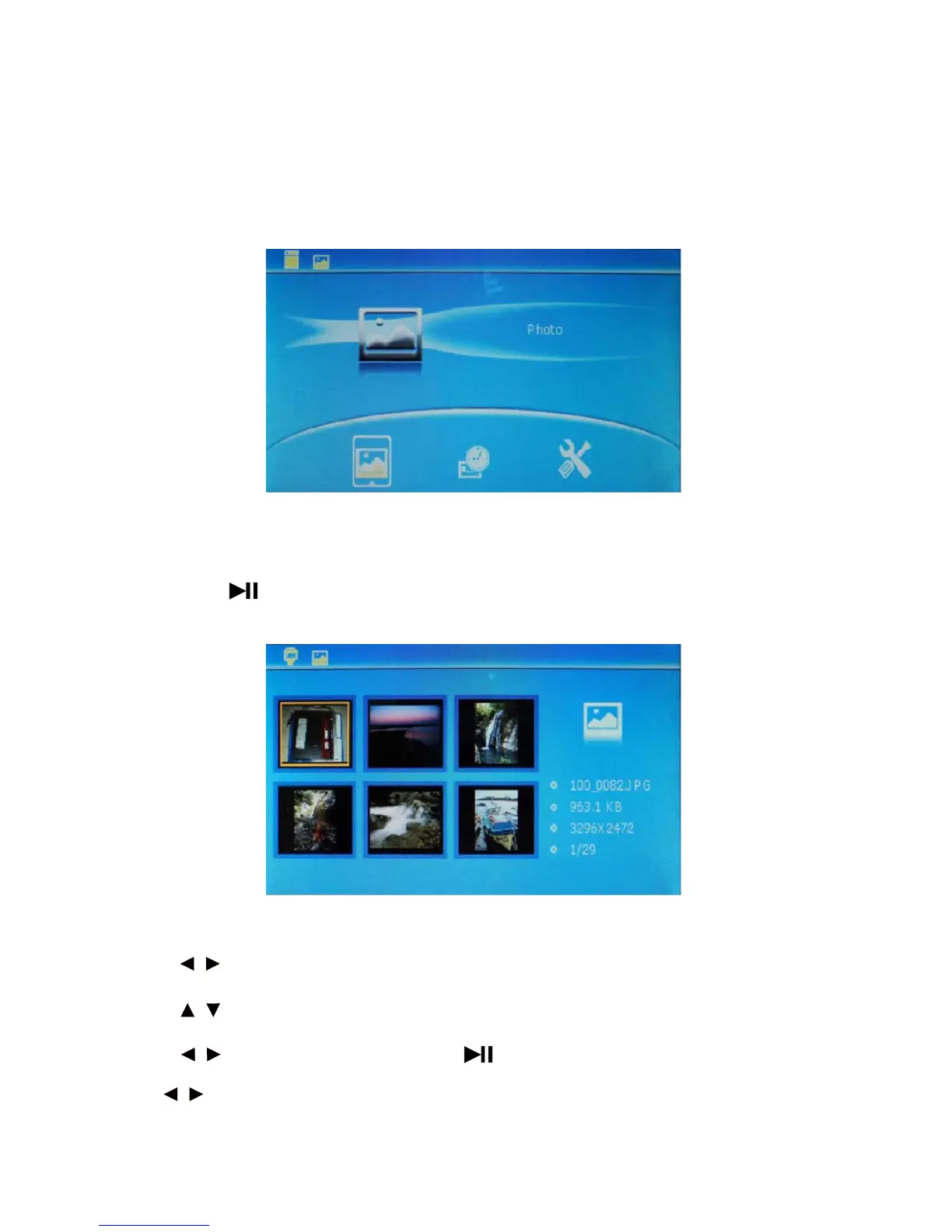
4.3 Function mode
There are 3 function options in this mode, i.e. PHOTO, CALENDAR and SETUP.
After selection, press ENTER to enter the corresponding functional operation. Press menu to return to the mode
“Select Card”.
4.4 PHOTO mode
1. Press the key to preview six pictures, as shown in the figure.
* Press to select picture; press MENU for 3s to delete the picture.
* Press to preview the six pictures on next pate.
* Press to select any favorite picture. Press to realize full-screen browse. During browsing,
press to browse the previous or next picture.
8
/
/
/
/



 To Next Page