4. Function of Host Computer
4.1 ON/OFF
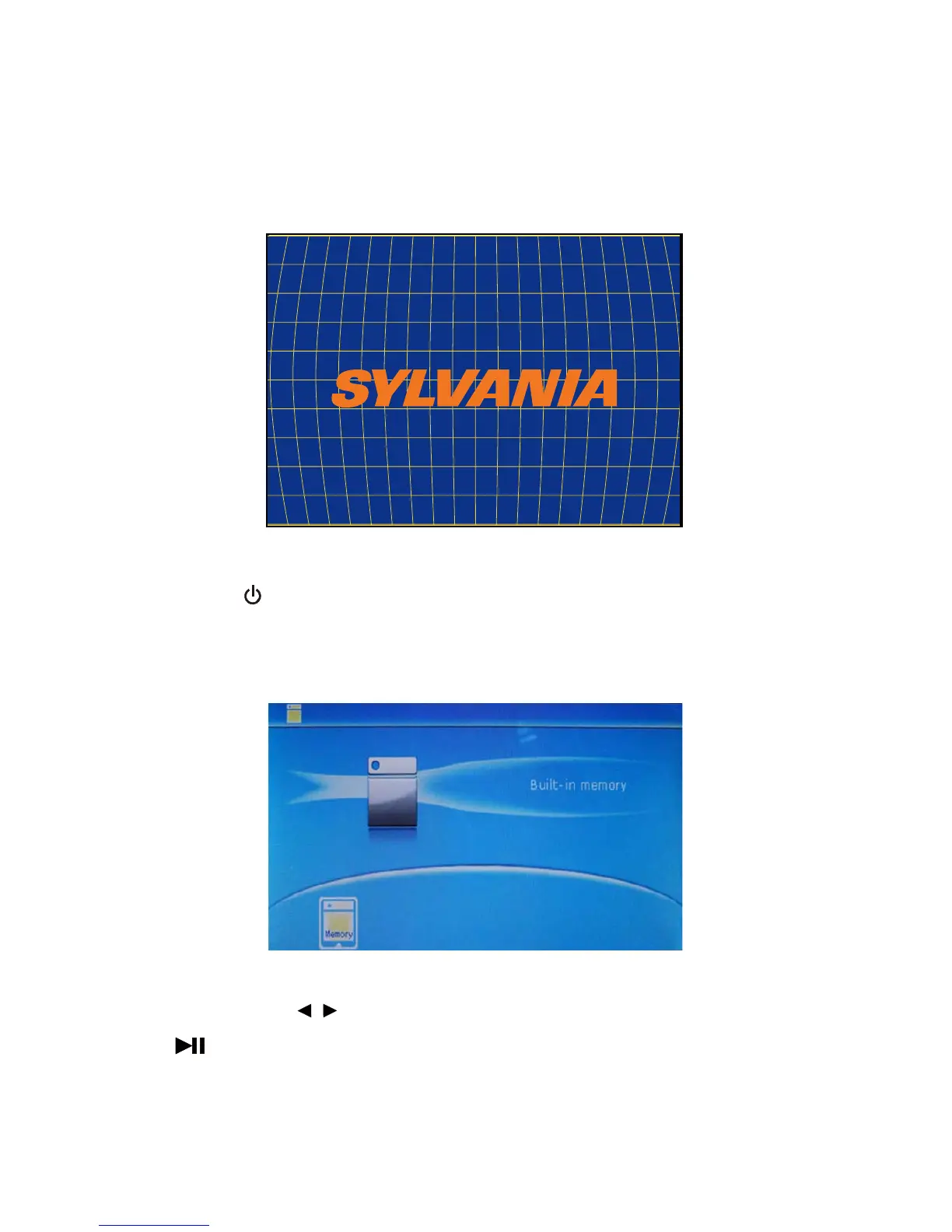
* Startup: power on the device to enter boot screen and then into main menu.
* Shutdown: press for three seconds to shut down the device.
4.2 Memory/USB/SD card
In this mode, press the key to select the memory device (including memory). After device selection, press
the key to enter function mode.
* Note: this mode operation is valid only after inserting USB or SD card.
7
/
DIGITAL PHOTO FRAME



 To Next Page