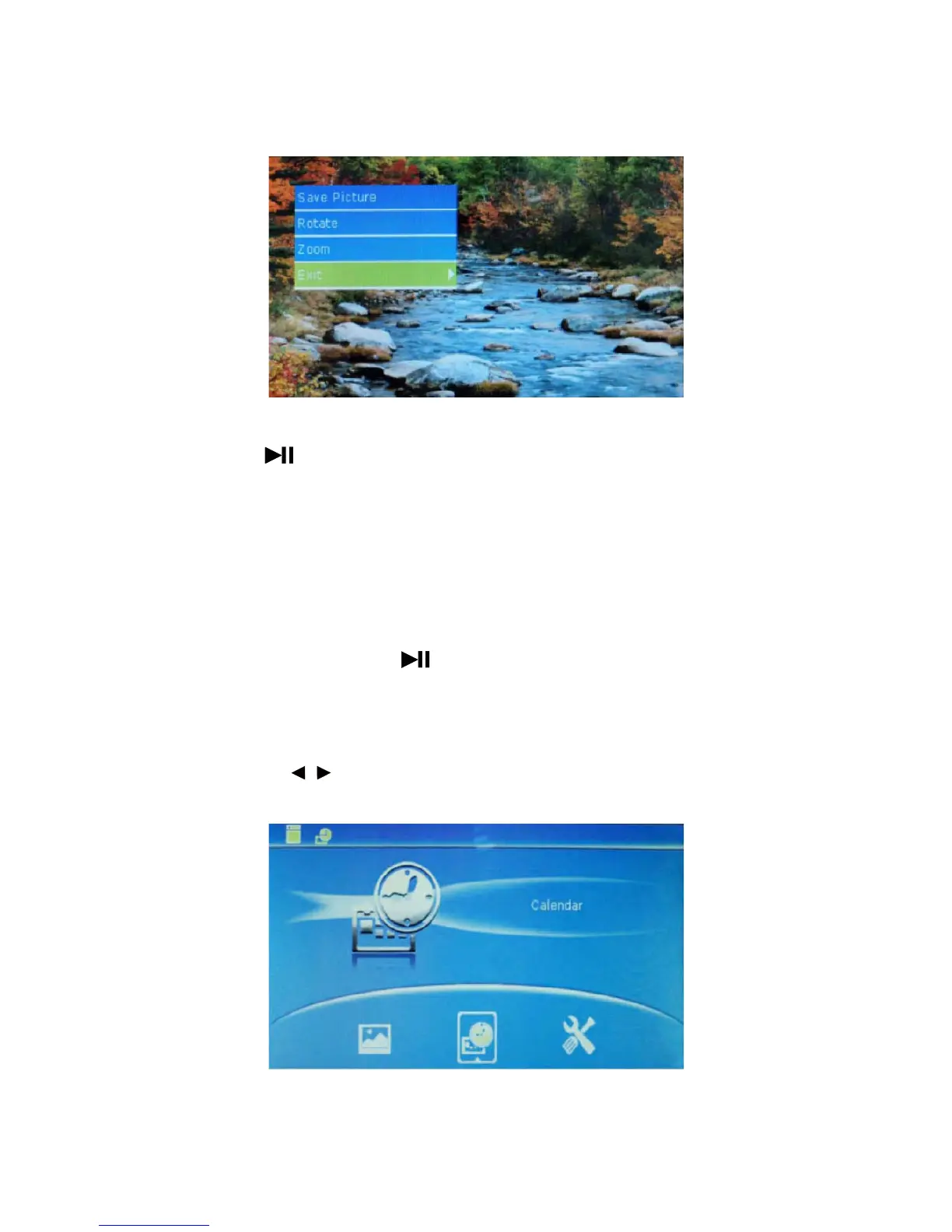
* At the time of full-screen browsing, press MENU for 3s to realize operation of picture, as shown in the figure.
* Save picture: Press to save picture into local memory (note: only 5-6 pictures can be saved into local
memory due to limited memory. No picture can be saved again if memory is full).
Rotate: rotate picture.
Zoom: realize 5*ZOOM of picture.
Exit: quit the menu.
2. Slide mode
* The device will automatically read pictures saved in Memory/USB/SD card to realize slide play.
* At the time of full-screen browsing, press
to realize slide
play and press it again to pause slide play. In
this case, press MENU for 3s , operation as Save Picture, Rotate and Zoom can be carried out to pictures.
4.5 CALENDAR mode
In function mode, press to select CALENDAR, as shown in the figure below.
9
/



 To Next Page